
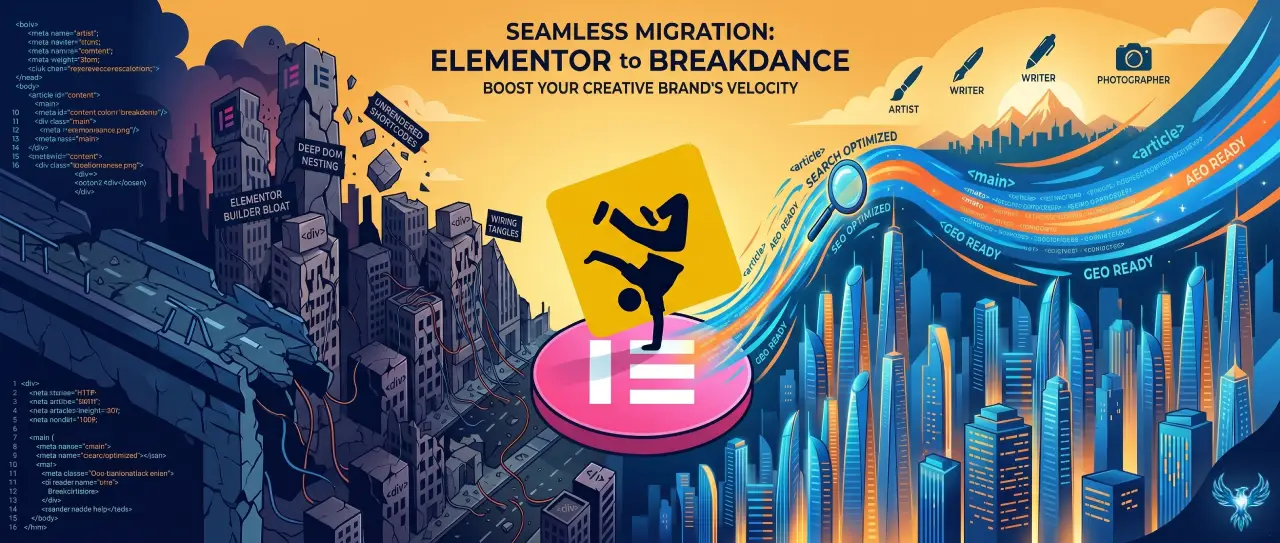

Discover exactly how to migrate from Elementor to Breakdance without losing organic search listings or damaging frontend performance. This manual engineering framework details the exact database updates, template reconstruction paths, and metadata verification steps required to safely transition your website to a lightweight, high velocity WordPress runtime built for modern search engines.
Strategic Pillar Context Maps
How to migrate from Elementor to Breakdance is one of the most common questions WordPress site owners ask when their website starts feeling slow, bloated, or difficult to maintain. The good news is that you can switch builders, improve performance, and keep your search rankings intact if you approach the migration carefully.
I’ve rebuilt enough WordPress websites to know one thing for sure. Most people don’t leave Elementor because they hate it. They leave because their site has slowly become a digital junk drawer. Every new feature needed another plugin. Every design tweak added more CSS. Eventually the site loads like it’s using dial-up internet from 1998.
Breakdance takes a different approach. It includes more features out of the box, uses cleaner code, and often produces significantly faster websites.
The challenge is getting there without breaking your design or destroying your SEO.
How to Migrate From Elementor to Breakdance Checklist
How to Migrate From Elementor to Breakdance
The safest migration process looks like this:
- Create a full website backup.
- Clone your site to a staging environment.
- Audit all Elementor templates and widgets.
- Rebuild layouts in Breakdance.
- Recreate headers, footers, and archive templates.
- Test every page and form.
- Measure performance improvements.
- Verify all SEO settings.
- Launch carefully and monitor rankings.
It sounds simple, but there are a few important details that make the difference between a smooth migration and a long weekend filled with regret.
Why People Are Moving Away From Elementor
Elementor became popular because it made website design accessible. You could drag, drop, and build almost anything.
The downside is that many Elementor websites become dependent on:
- Multiple add-on plugins
- Heavy JavaScript files
- Large CSS files
- Complex DOM structures
- Extra database entries
According to Google research, if a page load time increases from one second to three seconds, the probability of a visitor bouncing increases by 32 percent.
- Speed matters.
- Search rankings matter.
- User experience matters.
Those three things are closely connected.
How Much Faster Will My Site Be After Dropping Elementor?
The answer depends on your current website.
On heavily customized Elementor websites, I regularly see:
- 20 to 50 percent reductions in page size
- Fewer HTTP requests
- Better Core Web Vitals scores
- Improved mobile performance
- Faster Largest Contentful Paint scores
One client site dropped nearly a full second off its mobile load time after moving away from Elementor and unnecessary add-ons.
That improvement alone increased engagement and reduced bounce rates.
Faster websites create better experiences, and search engines tend to reward better experiences.
Uncover Your Hidden Website Bottlenecks
A slow or poorly optimized website quietly drives away valuable traffic and hurts your search rankings every single day. Get a comprehensive analysis of your site’s speed, user experience, and technical health to see exactly where you might be losing potential customers. Claim your free performance report today to start turning technical fixes into measurable business growth.
Will Moving Away From Elementor Hurt My Search Rankings?
No, not if you migrate properly. Google does not rank websites based on which page builder you use.
Google ranks websites based on:
- Content quality
- User experience
- Page speed
- Accessibility
- Relevance
- Technical SEO
You can actually improve rankings after migration if your new site becomes faster and easier to use.
The biggest SEO mistakes happen when people:
- Change URLs
- Delete metadata
- Remove schema
- Break internal links
- Forget redirects
- Remove important content accidentally
A migration should preserve every important SEO asset.
Step 1: Back Up Everything
Before touching anything, create a complete backup.
That includes:
- Database backup
- Media files
- Themes
- Plugins
- Server configuration
If something goes wrong, you want a restore button, not a panic attack.
Step 2: Build on a Staging Site
- Never rebuild your live website.
- Use a staging copy and work there first.
This gives you freedom to:
- Experiment with layouts
- Test templates
- Verify forms
- Check mobile responsiveness
- Measure performance
Once everything works perfectly, then push the changes live.
Step 3: Audit Every Elementor Template
Take inventory before rebuilding.
Be sure to Document:
- Headers
- Footers
- Single posts
- Archive pages
- Landing pages
- Popups
- Forms
- Custom widgets
Screenshots are your friend here. They make recreating layouts dramatically easier.
Is There a Plugin That Automatically Converts Elementor to WordPress Blocks?
Unfortunately, no.
There is currently no perfect plugin that converts Elementor layouts into native WordPress blocks or Breakdance layouts. Some tools attempt partial conversions, but complex pages usually break. In reality, rebuilding the layouts manually often produces a cleaner, faster result.
Think of it as renovating a house instead of trying to move every wall with a forklift.
What Happens if I Simply Turn Elementor Off?
Things get ugly quickly.
When Elementor is disabled:
- Layouts disappear
- Styling is removed
- Pages may show shortcodes
- Spacing breaks
- Templates stop functioning
Your content usually remains in the database, but the presentation layer disappears. This is why rebuilding first is essential.
How to Replicate Elementor's Theme Builder in Breakdance
This is one of the easiest parts of the migration.
Breakdance includes visual template building for:
- Headers
- Footers
- Single posts
- Archives
- Custom post types
- WooCommerce pages
The workflow feels very similar to Elementor's Theme Builder. You simply create templates and assign display conditions.
Most users become comfortable with the process quickly.
Is Native WordPress Flexible Enough to Replace Elementor?
Sometimes. Sometimes not.
The block editor has improved dramatically. For many websites, native blocks are perfectly adequate.
For highly customized marketing websites, advanced layouts, and dynamic content, Breakdance provides much more flexibility without the performance penalties often associated with Elementor.
The answer depends entirely on your goals.
How to Preserve SEO During the Migration
Keep Your URLs Exactly the Same
Changing URLs creates unnecessary risk. Preserve your existing structure whenever possible.
Maintain Metadata
Your SEO plugin should remain active during the migration.
That includes:
- Title tags
- Meta descriptions
- Open Graph settings
- Schema markup
Preserve Internal Links
Check every internal link after rebuilding. Broken links hurt user experience and can waste crawl budget.
Keep Your Content Intact
Do not rewrite everything during the migration. One project at a time. First rebuild. Then optimize.
Monitor Search Console
After launch, monitor:
- Coverage reports
- Core Web Vitals
- Crawl errors
- Indexing issues
- Ranking changes
Testing Before Launch
Before pushing live, test:
- Desktop layouts
- Mobile layouts
- Forms
- Menus
- Buttons
- Schema markup
- Analytics
- Conversion tracking
This step prevents painful surprises.
Measure the Results
Run performance tests before and after the migration.
Look at:
- PageSpeed scores
- Largest Contentful Paint
- Interaction to Next Paint
- Cumulative Layout Shift
- Page size
- Requests
Most websites see meaningful improvements after removing unnecessary builder overhead.
Why I Like Breakdance for Performance Projects
As someone who designs, develops, writes content, and optimizes websites for search engines and AI search platforms, I rarely look at a website through a single lens.
A beautiful website that loads slowly is still a problem. A fast website that nobody can find is also a problem.
Breakdance gives me more control over performance, SEO, accessibility, and user experience without needing a small army of plugins.
If you're curious about the builder itself, read my guide on Why I Use Breakdance for WordPress Development.
Frequently Asked Questions
Can I migrate from Elementor to Breakdance without downtime?
Yes. Build everything on a staging site and launch only after testing is complete.
Will my rankings drop?
Not if URLs, metadata, and content remain intact.
Can I keep Elementor installed temporarily?
Yes. Many developers keep Elementor active during the rebuild process and remove it only after all pages have been recreated.
Is Breakdance easier to maintain?
Generally yes. Because many features are built directly into the builder, fewer third-party plugins are required.
Should I move to native WordPress blocks instead?
For simple websites, native blocks can work well. For advanced layouts and dynamic websites, Breakdance often provides a better balance of flexibility and performance.
Breakdance Closing Thoughts
Migrating from Elementor to Breakdance is not simply a builder swap. It is an opportunity to improve performance, simplify maintenance, and create a better experience for users and search engines.
The key is planning carefully and preserving the SEO assets you've already built.
If your website feels slow, bloated, or difficult to manage, this might be the perfect time to rebuild it the right way.
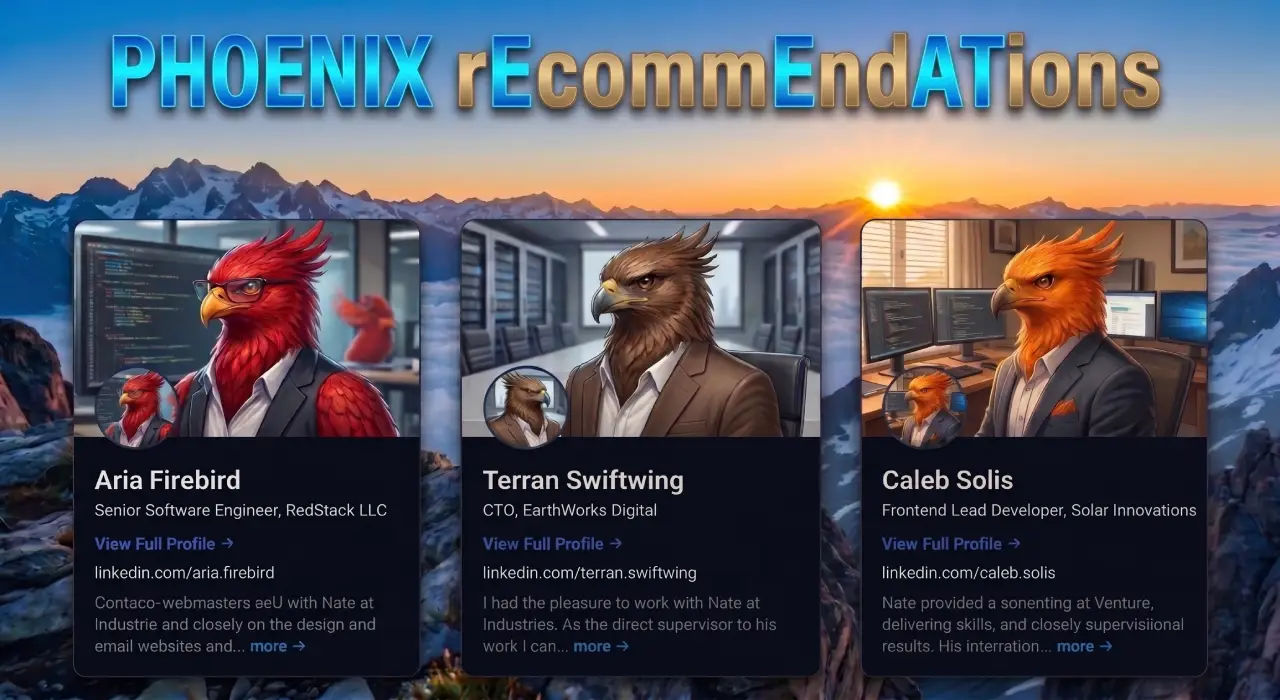
Phoenix rEcommEndATions
Automates E-E-A-T social proof with a zero-JS CSS marquee, native media uploader, and automated Review, Person, & Organization JSON-LD schemas.
Plugin Page →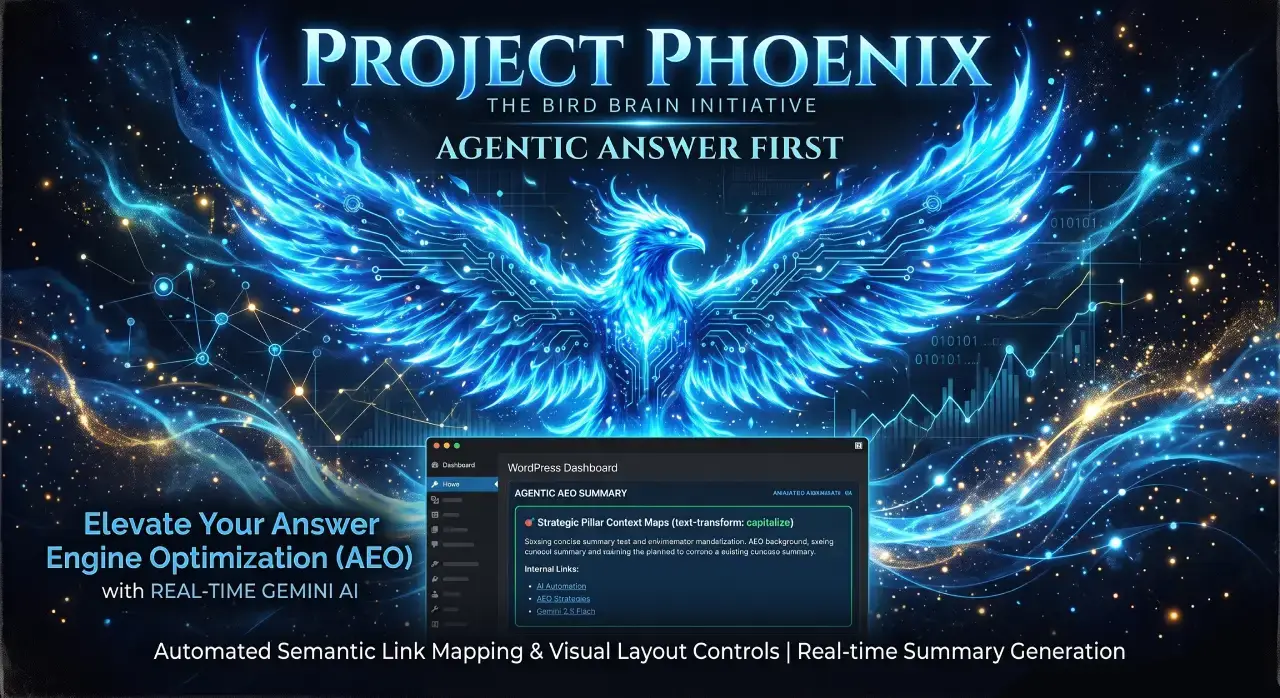
Phoenix Agentic Answer First
Dynamically adds Answer First paragraphs to posts for better LLM inclusion powered by real-time Gemini 2.5 Flash AEO summaries.
Plugin Page →
Phoenix Talon Nav
High-performance, isolated mobile navigation featuring hardware-accelerated drawer mechanics and autonomous AEO JSON-LD schema.
Plugin Page →
Phoenix E-E-A-T Author & Schema Engine
Generates enterprise-grade E-E-A-T author cards with dynamic Person JSON-LD Schema graphs to feed entity data to AI search engines.
Plugin Page →
Phoenix Topic Generator
Content ideation engine that dynamically monitors custom publications and targeted keywords to generate article ideas using Gemini.
Plugin Page →
Phoenix Hardened Hub Handshake
Enterprise-grade AI hub featuring Intelligent Entity Filtering, Content Negotiation, and a token-secured OpenAPI manifest.
Plugin Page →
Phoenix Sensor LLM Dashboard
Modular AEO Intelligence Platform tracking 24H LLM movement and percentage of site traffic originating from AI search agents.
Plugin Page →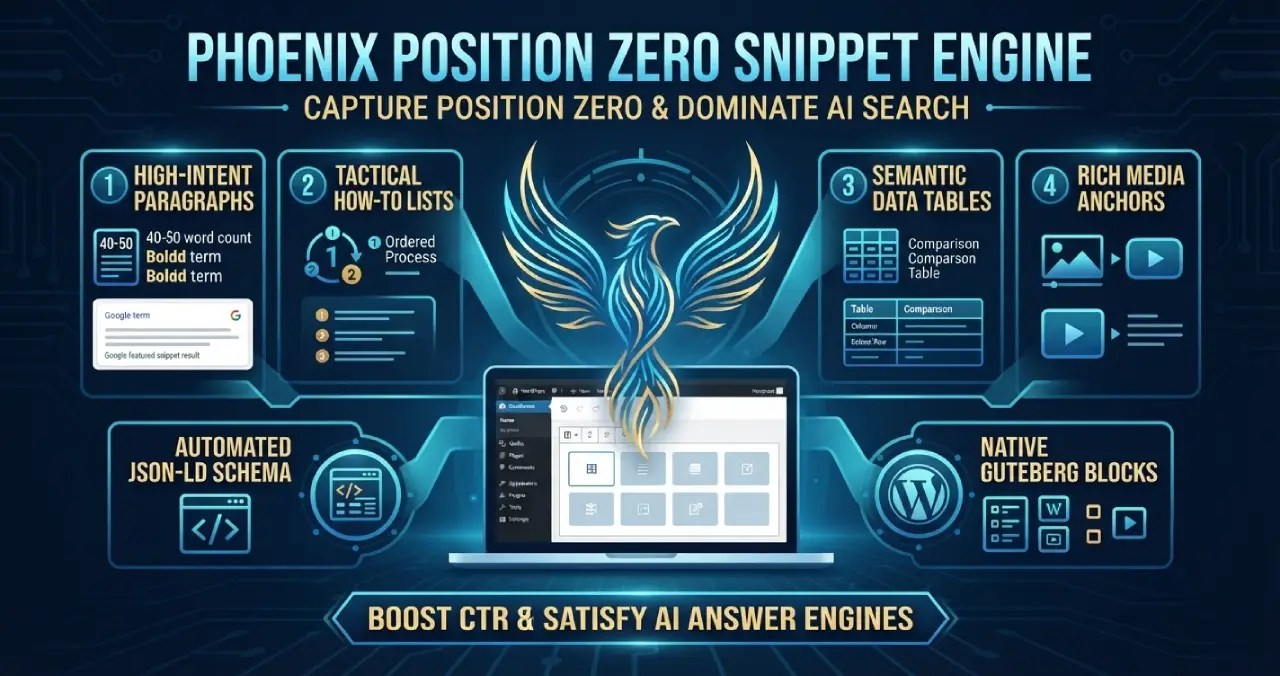
Phoenix Position Zero Snippet Engine
Engineered to optimize content structures for featured snippets, zero-click answer boxes, and direct LLM retrieval with automated JSON-LD.
Plugin Page →Phoenix rEcommEndATions
Automates E-E-A-T social proof with a zero-JS CSS marquee, native media uploader, and automated Review, Person, & Organization JSON-LD schemas.
Plugin Page →Phoenix Agentic Answer First
Dynamically adds Answer First paragraphs to posts for better LLM inclusion powered by real-time Gemini 2.5 Flash AEO summaries.
Plugin Page →Phoenix Talon Nav
High-performance, isolated mobile navigation featuring hardware-accelerated drawer mechanics and autonomous AEO JSON-LD schema.
Plugin Page →Phoenix E-E-A-T Author & Schema Engine
Generates enterprise-grade E-E-A-T author cards with dynamic Person JSON-LD Schema graphs to feed entity data to AI search engines.
Plugin Page →Phoenix Topic Generator
Content ideation engine that dynamically monitors custom publications and targeted keywords to generate article ideas using Gemini.
Plugin Page →Phoenix Hardened Hub Handshake
Enterprise-grade AI hub featuring Intelligent Entity Filtering, Content Negotiation, and a token-secured OpenAPI manifest.
Plugin Page →Phoenix Sensor LLM Dashboard
Modular AEO Intelligence Platform tracking 24H LLM movement and percentage of site traffic originating from AI search agents.
Plugin Page →Phoenix Position Zero Snippet Engine
Engineered to optimize content structures for featured snippets, zero-click answer boxes, and direct LLM retrieval with automated JSON-LD.
Plugin Page →Master The New Rules Of WordPress Performance
Don't let a slow site undermine your authority. Our WordPress Speed Optimization Service utilizes an "Architectural Hardening" methodology to strip away code bloat.