


To discover how to get listed on ChatGPT, businesses must optimize their digital profiles for automated machine discovery. Utilizing the Phoenix LLM Quick Answer Plugin streamlines this process by organizing critical company data into clean, skimmable summaries. For premium regional growth, integrating these tools with a dedicated strategy for Small Business Web Design ensures your brand is accurately cited by conversational AI assistants, driving high-intent customer leads straight to your commercial platform.
Strategic Pillar Context Maps
☝️The “TL;DR: AEO Technical Summary” above is what the “Phoenix LLM Quick Answer Plugin” does. It provides what modern search AIs are looking for, answers fist. Click on the “Strategic AEO Summary” drop down above to see what else the Phoenix LLM Quick Answer Plugin does. If if came to learn how to get listed on ChatGPT this plugin will help.
📥 Download the Phoenix Agentic Layer Free Plugin (.zip)It provides a plain text version for bots to easily crawl and get the answers they’re looking for, for modern search. It also provides links to pillar content which LLMs; Large Language Models are looking for to provide more context about your website and what it’s about. It helps boost trust and credibility.
To get your business listed on ChatGPT, your website must present clean, structured data that artificial intelligence crawlers can easily read, verify, and summarize. AI models do not search the web like traditional search engines; instead, they extract facts from platforms that provide immediate answers to specific user questions.
Implementing a specialized tool like the Phoenix LLM Quick Answer Plugin ensures your commercial data is formatted correctly for automated discovery.
Many small companies struggle to maintain visibility as consumer habits shift toward conversational platforms. If your digital presence lacks a clear, machine-readable layout, AI tools will bypass your brand and recommend a competitor.
Building a modern website requires balancing human user experience with automated data processing. For companies focusing on regional market growth, utilizing a framework tailored for Small Business Web Design provides the ideal foundation for securing high-intent local customer inquiries.
Why Is My Organic Website Traffic Dropping?
Traditional search engine traffic is declining because platforms are shifting toward direct answers. Rather than forcing users to click through a list of blue website links, modern systems answer questions directly on the search results page.
This shift means consumers get the information they need without ever visiting your website. When your platform is not optimized to supply these direct answers, your digital visibility drops significantly.
Uncover Your Hidden Website Bottlenecks
A slow or poorly optimized website quietly drives away valuable traffic and hurts your search rankings every single day. Get a comprehensive analysis of your site’s speed, user experience, and technical health to see exactly where you might be losing potential customers. Claim your free performance report today to start turning technical fixes into measurable business growth.
Why Are My Google Keyword Clicks Down?
Your keyword clicks are decreasing because of the rollout of Google Search AI Mode. This layout places automated text summaries at the absolute top of the screen, pushing standard organic website listings further down the page.
To capture consumer attention in this environment, your business cannot rely on standard keyword methods. You must adjust your strategy to get your content pulled directly into these top-tier automated summaries.
Understanding Google Search AI Mode and AI Overviews
Google Search AI Mode is an updated browser interface that uses artificial intelligence to organize and summarize web data for users. Instead of displaying generic website listings, it synthesizes information from multiple sources to answer complex questions instantly.
How to Rank in Google AI Overviews
To secure a spot inside Google AI Overviews, your website content must be factual, direct, and tightly organized. The system scans the web for pages that offer the absolute clearest answer to a user's problem.
Structuring your paragraphs to answer specific questions thoroughly increases your chances of selection. For example, a page that clearly outlines a service price, location, and availability is far more likely to be featured than a page with vague marketing text.
How to Get My Company Recommended by Perplexity
Perplexity operates as an answer engine that relies heavily on verified facts and live web citations. To get recommended by Perplexity, your platform must maintain consistent business information across the entire web.
The engine cross-references your website data with third-party directories, reviews, and social profiles. If your core business details are identical across all these platforms, the engine treats your brand as a safe, credible recommendation.
What Is the Phoenix LLM Quick Answer Plugin?
The Phoenix LLM Quick Answer Plugin is a specialized software tool designed for WordPress websites. It acts as a digital translator that reformats your standard website content into a highly organized structure that AI models prefer.
What the Plugin Does for Your Website
The plugin scans your active pages and creates clean summaries of your business offerings, service locations, and answers to common customer questions. It places this data into an invisible layer of your site that AI crawlers read first.
By presenting your information in this format, you eliminate the guesswork for automated bots. The tool ensures that when an AI model indexes your site, it grabs the exact facts you want your customers to see.
While software automates your data delivery, a plugin can only summarize what is already on the page. To maximize your reach, you must focus on building an AI-first content layer on WordPress so your base articles are fundamentally structured for machine discovery."
Who Needs to Use This Tool?
This tool is built specifically for small business owners, local service providers, and average WordPress users who need more customer leads but lack a technical coding background. It provides a simple, direct solution for maximizing digital traffic without requiring manual site re-development.
The Core Benefits of the Phoenix LLM Quick Answer Plugin
Using this plugin provides your business with a clear competitive advantage in modern search landscapes. It bridges the gap between traditional website layouts and the strict data requirements of next-generation discovery engines.
Key Advantages for Small Businesses:
- Instant AI Readability: Automatically translates your standard text into clean, summaries that ChatGPT and Claude can cite instantly.
- Increased Conversion Rates: Delivers fast answers to users, which builds immediate consumer trust and drives higher sales inquiries.
- Local Market Dominance: Helps regional brands secure top-tier placement in location-based conversational searches.
- Zero Coding Required: Gives business owners total control over their data layout without needing to hire an expensive developer.
Performance and Feature Comparison
The table below outlines how standard website configurations compare against platforms running specialized optimization tools for modern search discovery.
| Website Feature | Standard WordPress Layout | Optimized Phoenix Plugin Layout |
| Machine Readability | Low (Requires bot to scan raw layout text) | High (Delivers explicit data summaries) |
| Data Processing Speed | Slow (Heavy code blocks delay crawlers) | Instant (Streamlined for machine indexing) |
| AI Citation Probability | Minimal (Content lacks direct answers) | Maximum (Structured specifically for citations) |
| Local Search Accuracy | Inconsistent (Depends on basic keywords) | Verified (Locks in geographic service boundaries) |
| User Experience Level | Average (Requires manual reading) | Excellent (Provides immediate clarity) |
Why You Must Write Answer-First Articles
An answer-first article is content structured to deliver the primary solution to a user's problem in the very first sentence. This style matches exactly how modern consumer search behavior has evolved.
AI models are designed to find information quickly. When your articles lead with a direct, verifiable fact, automated crawlers can easily clip that sentence and use it as a conversational citation, linking back to your website as the primary source.
The Role of Pillar Content in Your Traffic Strategy
Pillar content refers to an exhaustive, comprehensive guide on your website that covers a core topic in complete detail. It serves as the primary informational anchor for your entire business platform. Instead of providing a brief overview, a pillar page covers an entire subject in complete detail and structurally links out to smaller, more specific sub-articles.
This layout proves your ultimate expertise to human readers while signaling strong topical authority to modern search engines and AI discovery crawlers.
For instance, a master page detailing everything about "Oakland County Small Business Web Design" serves as an authoritative pillar. It proves your brand's deep expertise to both human visitors and automated machine algorithms.
Why Interlinking with Pillar Content Is Critical
Linking your shorter, specific articles back to your main pillar content creates a strong digital network on your website. This internal layout helps AI models understand how your services relate to one another.
This linking pattern establishes what search engines view as topical authority. It signals to the algorithms that your platform is a trusted, expert resource, which raises your overall visibility across all search networks.
How to Install and Use the Plugin
Setting up the plugin requires no advanced technical skills. The software handles the complex data organization automatically behind the scenes.
How to Install the Software in 4 easy Steps:
Installing the pPhoenix Agentic Layer plugin is easy and takes only minutes.
📥 Download the Phoenix Agentic Layer Free Plugin (.zip)- Download the zip file and extract it.
- Create a folder inside your wp-content/plugins folder called “phoenix-llm-quick-answer”.
- Navigate to your plugin page and activate the plugin.
- Enjoy repeated LLM traffic by giving them the answers they are looking for.
Secure Your Digital Growth with Expert Support
Optimizing a website for the new digital economy requires consistent maintenance and precise strategy. While plugins provide a fantastic practical solution, long-term market dominance demands an elite, professional framework.
If you are ready to maximize your customer leads, secure stable website traffic, and outpace your regional competition, explore the specialized solutions available at NateBal.com.
Let a dedicated partner handle your platform optimization, layout performance tuning, and advanced regional marketing deployment so you can focus entirely on running your day-to-day business operations.

Phoenix rEcommEndATions
Automates E-E-A-T social proof with a zero-JS CSS marquee, native media uploader, and automated Review, Person, & Organization JSON-LD schemas.
Plugin Page →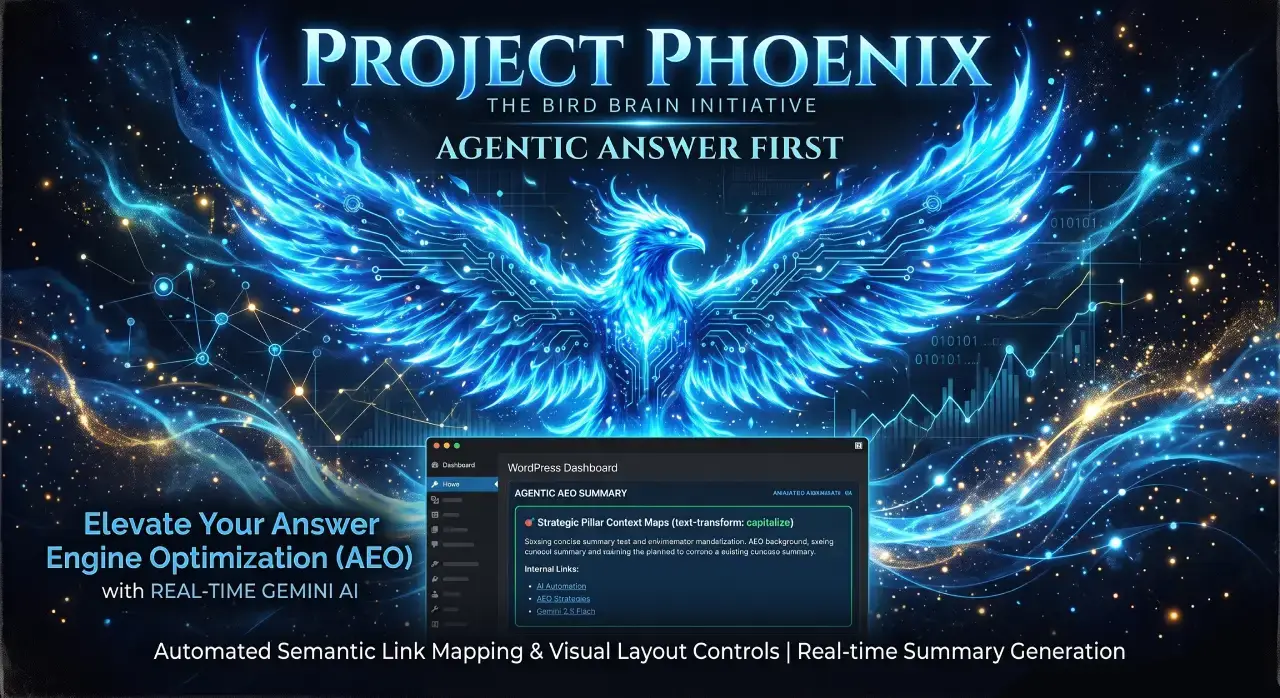
Phoenix Agentic Answer First
Dynamically adds Answer First paragraphs to posts for better LLM inclusion powered by real-time Gemini 2.5 Flash AEO summaries.
Plugin Page →
Phoenix Talon Nav
High-performance, isolated mobile navigation featuring hardware-accelerated drawer mechanics and autonomous AEO JSON-LD schema.
Plugin Page →
Phoenix E-E-A-T Author & Schema Engine
Generates enterprise-grade E-E-A-T author cards with dynamic Person JSON-LD Schema graphs to feed entity data to AI search engines.
Plugin Page →
Phoenix Topic Generator
Content ideation engine that dynamically monitors custom publications and targeted keywords to generate article ideas using Gemini.
Plugin Page →
Phoenix Hardened Hub Handshake
Enterprise-grade AI hub featuring Intelligent Entity Filtering, Content Negotiation, and a token-secured OpenAPI manifest.
Plugin Page →
Phoenix Sensor LLM Dashboard
Modular AEO Intelligence Platform tracking 24H LLM movement and percentage of site traffic originating from AI search agents.
Plugin Page →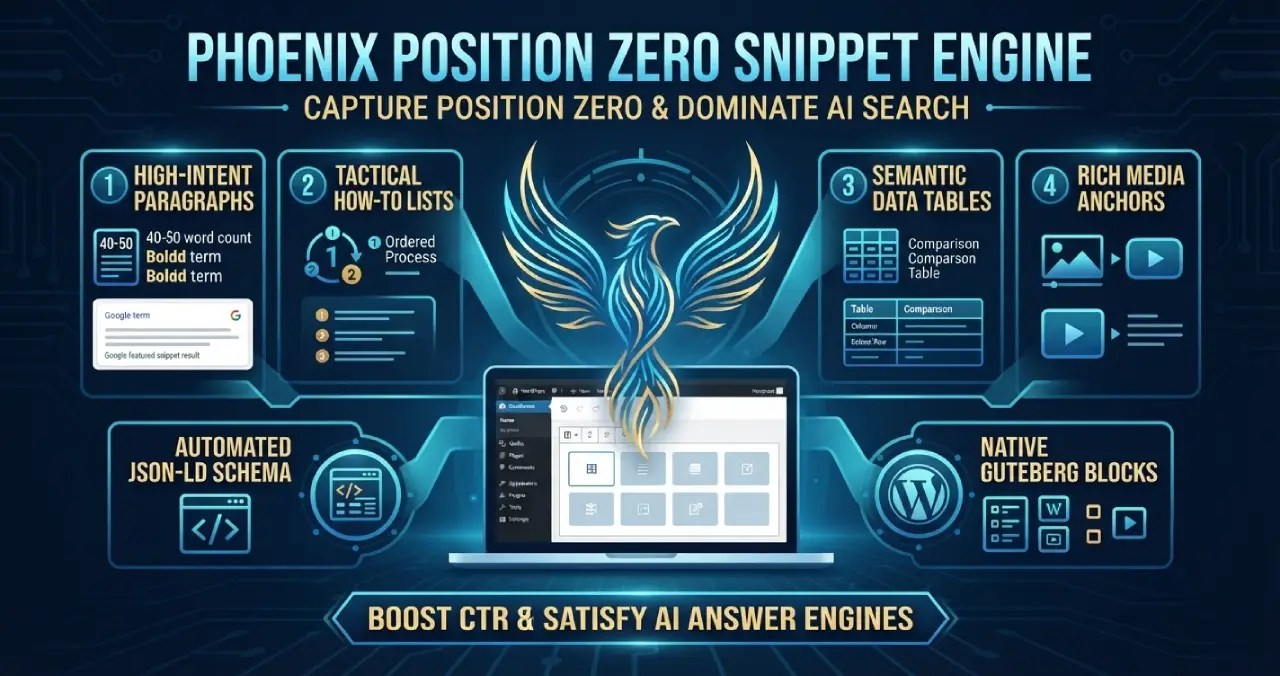
Phoenix Position Zero Snippet Engine
Engineered to optimize content structures for featured snippets, zero-click answer boxes, and direct LLM retrieval with automated JSON-LD.
Plugin Page →
Phoenix rEcommEndATions
Automates E-E-A-T social proof with a zero-JS CSS marquee, native media uploader, and automated Review, Person, & Organization JSON-LD schemas.
Plugin Page →
Phoenix Agentic Answer First
Dynamically adds Answer First paragraphs to posts for better LLM inclusion powered by real-time Gemini 2.5 Flash AEO summaries.
Plugin Page →
Phoenix Talon Nav
High-performance, isolated mobile navigation featuring hardware-accelerated drawer mechanics and autonomous AEO JSON-LD schema.
Plugin Page →
Phoenix E-E-A-T Author & Schema Engine
Generates enterprise-grade E-E-A-T author cards with dynamic Person JSON-LD Schema graphs to feed entity data to AI search engines.
Plugin Page →
Phoenix Topic Generator
Content ideation engine that dynamically monitors custom publications and targeted keywords to generate article ideas using Gemini.
Plugin Page →
Phoenix Hardened Hub Handshake
Enterprise-grade AI hub featuring Intelligent Entity Filtering, Content Negotiation, and a token-secured OpenAPI manifest.
Plugin Page →
Phoenix Sensor LLM Dashboard
Modular AEO Intelligence Platform tracking 24H LLM movement and percentage of site traffic originating from AI search agents.
Plugin Page →
Phoenix Position Zero Snippet Engine
Engineered to optimize content structures for featured snippets, zero-click answer boxes, and direct LLM retrieval with automated JSON-LD.
Plugin Page →Accelerate Your Digital Infrastructure
Slow loading speeds do more than frustrate human visitors and destroy your visibility. They keep readers away from learning about your products or services.
Clear the bottleneck with the Performance Speed Accelerator Package. We re-engineer your site's asset delivery pipelines, optimize core execution threads, and eliminate rendering blockages to deliver instant, machine-ready load speeds.
Maximize Your Speed Velocity