

Post at a Glance

Visual Portfolio Gallery Fade includes a refined and minimalist layout known as Gallery Fade portfolio that prioritizes elegance through subtle transitions. This option displays images in a responsive grid where items gently fade into view as users scroll down the page. The smooth opacity animation creates a sophisticated reveal effect that feels premium without overwhelming the viewer, making it ideal for high end photography sites, luxury brands, architectural showcases, and any portfolio where understated class matters more than bold motion.

Setting up Gallery Fade begins exactly like other Visual Portfolio layouts. Install the free plugin from the WordPress repository, then create a new portfolio entry. Select Gallery as the content source and choose your images from the media library or upload fresh ones. In the Layout tab, pick Gallery Fade from the available templates. Instantly, the preview updates to show thumbnails appearing one by one with a soft fade in, staggered slightly for natural progression. No extra configuration is required for the core effect, which keeps the learning curve gentle for newcomers.

Marvel Savvy Desk

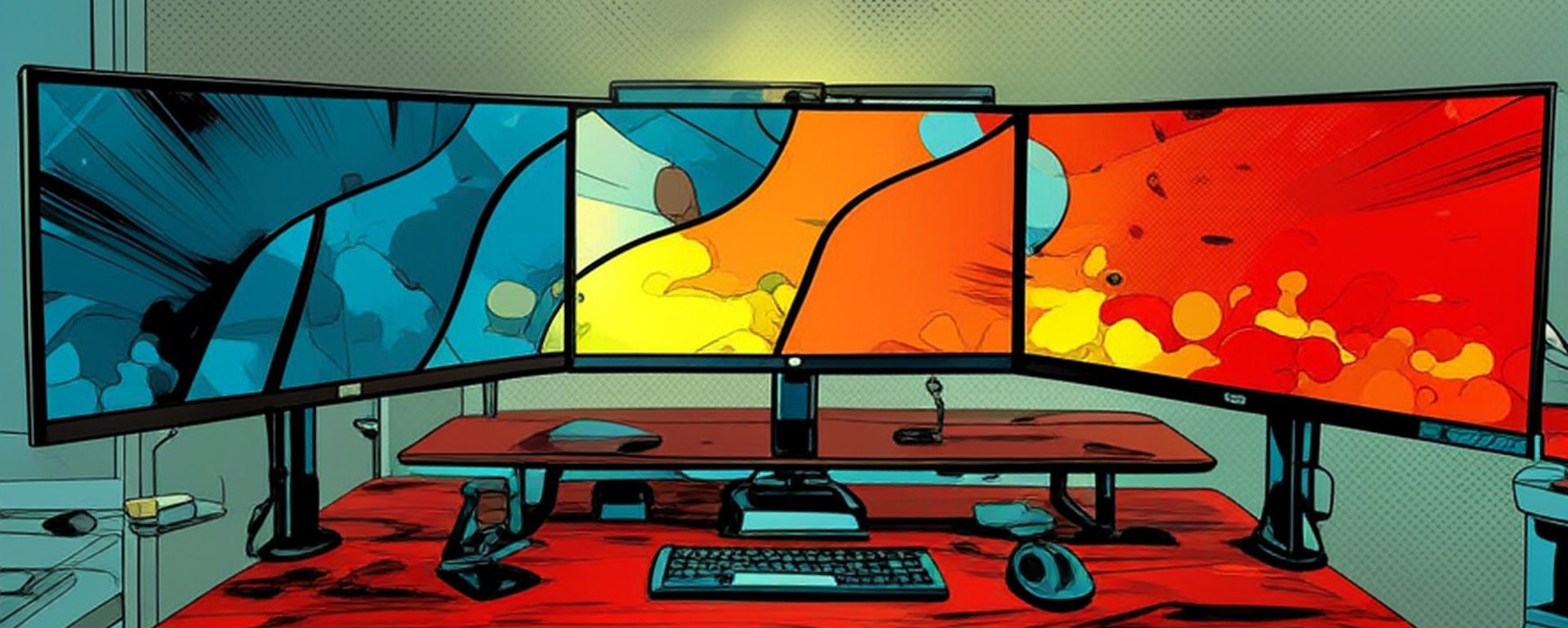
Savvy Planetary Desk 4 Monitors

Savvy Gaming Desk Bright 5 Monitors

Savvy Desk Planetary 4 Monitors

Marvel Savvy Desk
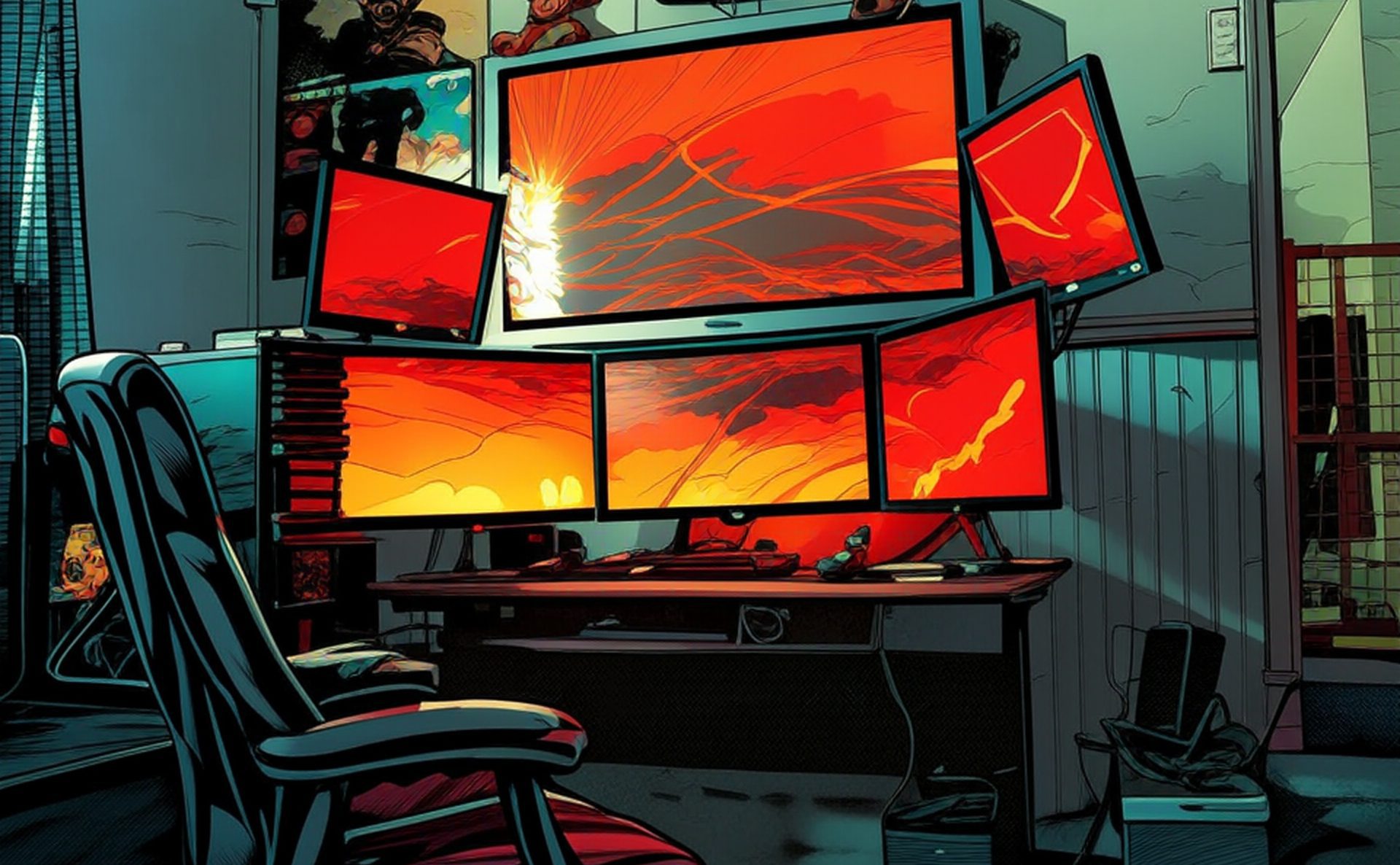
Savvy Desk 4 Monitors
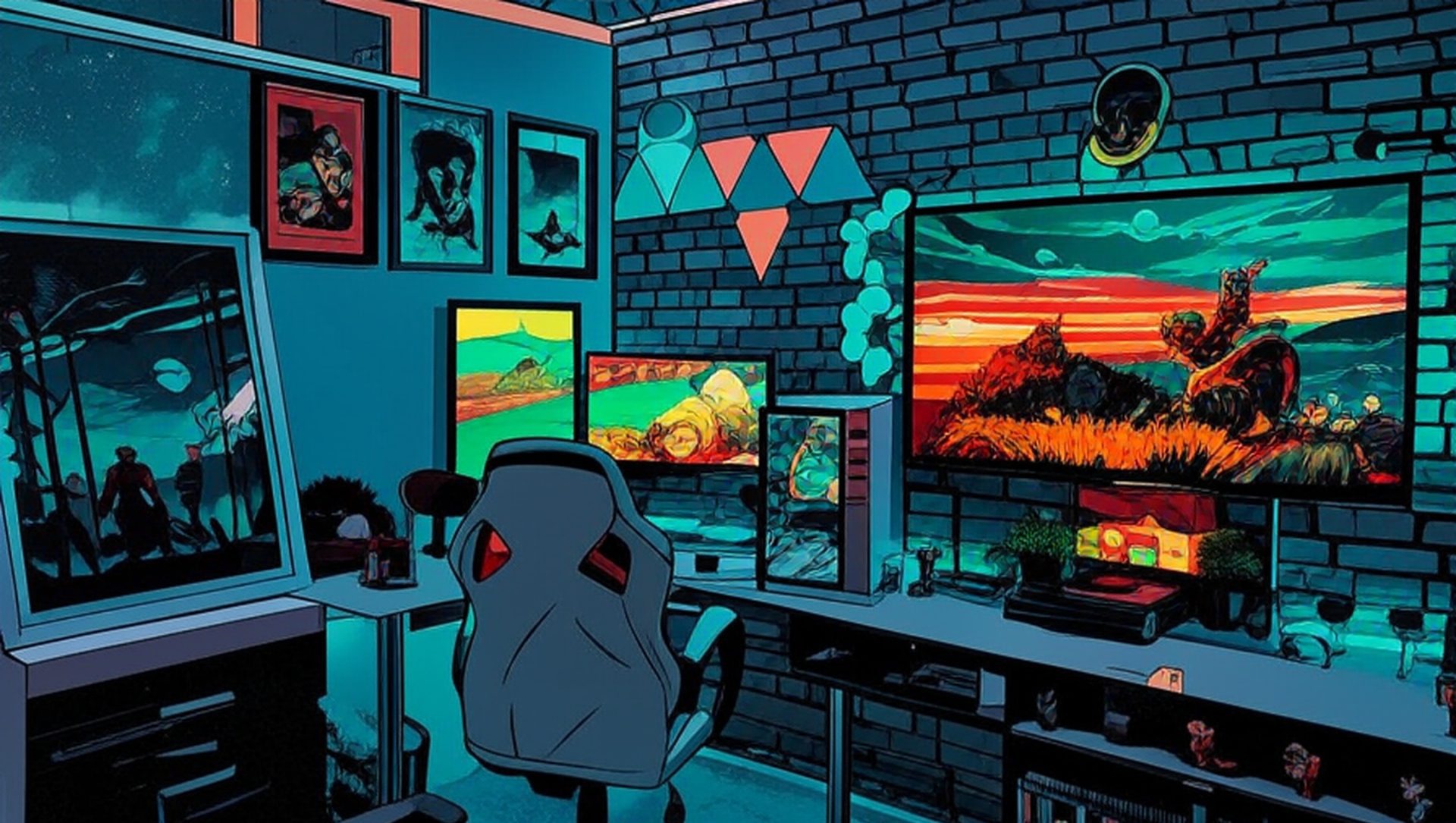
Visual Portfolio Gallery Fade
Customization options remain extensive despite the layout’s simplicity. Control fade duration, delay between items, and easing curve to match your site’s rhythm. Decide whether the fade triggers on page load only or repeats every time the gallery enters the viewport during scroll. Adjust grid columns from one to eight, with automatic fallback on smaller screens. Image aspect ratio enforcement ensures uniformity, while corner radius and shadow settings add depth without clutter. Spacing controls let you create tight, magazine style layouts or airy, gallery inspired presentations.
Title handling offers flexibility that enhances both design and SEO. Display titles permanently below each image, overlay them with adjustable background opacity, or hide them completely for a pure image experience. When titles appear, inherit typography from your theme or override with custom font families, weights, and responsive sizes. The plugin pulls title text from media library fields, so filling alt text during upload doubles as on page captions and improves image search rankings simultaneously.
Interaction layers build engagement quietly. Hover effects can combine a deeper fade with scale or brightness shifts, drawing attention without abrupt changes. Clicking opens the integrated lightbox that also uses fade transitions for consistency. Lightbox captions pull from image descriptions, keeping narrative flow intact. For filtered galleries, category buttons trigger a graceful fade out of hidden items followed by fade in of matching ones, maintaining the serene atmosphere even during dynamic sorting.
Performance stays excellent because the fade animation relies purely on CSS opacity and transform properties. Modern browsers hardware accelerate these changes, delivering buttery smooth results even on budget phones. Lazy loading defers off screen images, and the plugin avoids bloated JavaScript frameworks. Core Web Vitals scores typically remain strong, with Cumulative Layout Shift near zero thanks to proper aspect ratio preservation. Search engines reward the fast loading and clean code, while schema markup helps images appear in rich results.
Integration works across all major builders. Drop the portfolio block into Gutenberg, use the dedicated Elementor widget, or insert via shortcode in classic editors. Multiple Fade galleries can coexist on one page with independent settings, perfect for separating black and white work from color collections. Masonry variation is available within the same layout family, letting images of varying heights fade in while maintaining vertical rhythm.
Real world implementations shine in minimalist contexts. Fine art photographers use Gallery Fade to present limited edition prints where the gentle reveal mirrors gallery lighting techniques. Interior designers showcase room transformations with before and after pairs that fade sequentially. Corporate sites display team headshots or office locations with subtle professionalism. The lack of aggressive motion reduces distraction, encouraging longer viewing sessions and higher conversion rates for booking inquiries.
Accessibility considerations include respect for reduced motion preferences. Users who disable animations see images at full opacity immediately. All interactive elements retain keyboard focus styles and screen reader announcements.
Overall, Gallery Fade portfolio delivers timeless sophistication through modern technology. It proves that sometimes the quietest entrance makes the strongest impression, offering WordPress users a polished, fast, and flexible way to showcase visual stories beautifully.
Portfolio Gallery:



 | Web Design Services: Custom, responsive sites with stunning UX/UI, fast load times & SEO-ready code. Convert visitors into customers.More >> |
 | Search Engine Optimization Services: Boost your site's visibility with tailored keyword research, on-page optimization & analytics. Drive organic traffic!More >> |
| WordPress Services: Custom themes, WooCommerce, speed & SEO optimization. Secure, scalable sites that rank higher & convert better.More >> |




Leave a Reply