


Mastering Custom WordPress theme development is crucial for businesses aiming for unique online experiences in 2026. With AI integration and full site editing, this guide provides 12 proven strategies to build themes that deliver superior performance, security, and user engagement. Learn to create tailored solutions that drive real results and stand out in competitive markets.
Strategic Pillar Context Maps
WordPress theme development empowers businesses to create unique online experiences that stand out in competitive markets. In 2026, with AI integration and full site editing dominating the landscape, mastering custom WordPress theme development has become essential for achieving superior performance, security, and user engagement. This comprehensive guide delivers 12 proven strategies to help you build themes that drive real results.
Whether you are a developer, agency owner, or business leader, these insights will transform your approach to theme creation. You will discover step by step processes, cutting edge tools, and data driven examples that align with the latest WordPress standards.
12 Tips for Custom Development
Why Custom WordPress Development Delivers Superior Results
WordPress development goes beyond basic templates by tailoring every element to specific business needs. Standard themes often limit functionality and design flexibility, leading to bloated code and poor performance. In contrast, WordPress theme development ensures optimized code, faster load times, and seamless integration with plugins.
Businesses investing in WordPress development report 45 percent higher conversion rates according to recent industry benchmarks. This approach allows complete control over design, accessibility, and scalability, making it ideal for e-commerce, portfolios, and membership sites.
By focusing on WordPress development, you avoid the common pitfalls of generic themes like slow rendering and security vulnerabilities. Instead, you create a foundation that supports long term growth and SEO excellence.
The Complete Custom WordPress Theme Development Process
Building a custom theme requires a structured workflow. Start with thorough planning to define requirements, then move through development, testing, and deployment.
Begin by creating a WordPress child theme to preserve updates. Use tools like LocalWP for local development environments. This setup allows safe experimentation without affecting live sites.
Next, establish the theme structure. Create essential files including style.css, functions.php, and index.php. Define the theme header in style.css with proper metadata for WordPress recognition.
WordPress development thrives on block editor compatibility. Ensure all templates support the Gutenberg editor for modern content creation. This integration future proofs your theme against platform changes.
Incorporate post types and taxonomies early in the process. These elements enhance content organization and improve search-ability within the site.
Advanced Techniques in Custom WordPress Theme Development
Elevate your skills with these advanced methods that set professional themes apart.
- Implement template parts for reusable components. This modular approach streamlines maintenance and accelerates development cycles.
- Leverage the REST API for dynamic data fetching. WordPress development benefits from headless capabilities, allowing frontend frameworks like React to power interactive elements.
- Optimize for performance by using lazy loading, image compression, and efficient query structures. Tools like Query Monitor help identify bottlenecks during WordPress theme development.
Security remains paramount. Sanitize all user inputs and escape outputs to prevent vulnerabilities. Regular code audits using plugins like Wordfence ensure ongoing protection.
Tools and Resources for Successful Custom WordPress Development
The right toolkit makes WordPress development efficient and enjoyable.
- Development Environment: Local by Flywheel or XAMPP for seamless testing
- Code Editors: VS Code with WordPress extensions for intelligent autocompletion
- Version Control: Git for tracking changes and collaboration
- Build Tools: Webpack and Babel for modern JavaScript handling
- Design Prototyping: Figma for pixel perfect mockups
These resources streamline the entire WordPress theme development lifecycle from concept to launch.
Custom WordPress Theme Development Trends to Watch in 2026
The future of custom WordPress theme development centers on innovation and user-centric design.
AI assisted coding tools now generate boilerplate code, speeding up initial setup. Full site editing continues to expand, allowing non developers to customize layouts visually.
Sustainability features like reduced carbon footprints through optimized assets are gaining traction. Custom WordPress theme development in 2026 must prioritize eco friendly practices.
Headless architectures paired with custom themes deliver unmatched speed and flexibility. This combination is perfect for high traffic applications.
Real World Examples of Custom WordPress Theme Development Success
Several high profile projects demonstrate the power of custom WordPress theme development.
A major nonprofit organization revamped their site using custom WordPress theme development principles. The result was a 60 percent increase in donations through improved user flows and mobile responsiveness.
An e-commerce brand implemented custom WordPress theme development for their product pages. Enhanced filtering and personalized recommendations boosted average order value by 35 percent.
These case studies highlight how strategic custom WordPress development translates into measurable business outcomes.
Common Challenges and Solutions in Custom WordPress Theme Development
- Every project encounters obstacles. Address them proactively to maintain momentum.
- Theme conflicts with plugins often arise. Solve this by using dependency management and thorough compatibility testing.
- Performance degradation can occur with complex features. Counter it with code profiling and caching strategies like Redis.
- Client revisions may extend timelines. Mitigate by establishing clear milestones and using collaborative tools like Trello.
Mastering these solutions ensures smooth custom theme development experiences.
Step by Step Custom WordPress Theme Development Checklist
Follow this detailed checklist to execute flawless projects.
- Define project scope and gather requirements
- Set up development environment and version control
- Create base theme files and enqueue styles
- Build core templates for pages and posts
- Integrate custom blocks and patterns
- Add functionality through functions.php
- Optimize for speed and accessibility
- Test across devices and browsers
- Deploy to staging and gather feedback
- Launch and monitor post deployment
This checklist serves as your roadmap for successful custom WordPress theme development.
| Aspect | Standard Theme Approach | Custom WordPress Theme Development Benefits |
|---|---|---|
| Design Flexibility | Limited to templates | Complete control over every pixel |
| Performance | Often bloated | Optimized code for superior speed |
| SEO Capabilities | Basic | Advanced schema and structured data |
| Scalability | Restricted | Built to grow with business needs |
| Security | Plugin dependent | Inherent protections from the ground up |
| Cost Efficiency | Lower upfront | Higher ROI through long term savings |
This table highlights why custom theme development outperforms alternatives.
Measuring Success After Custom WordPress Theme Development
Track these key performance indicators to validate your work.
Monitor page load times using Google PageSpeed Insights. Aim for scores above 90 on both mobile and desktop.
- Analyze user engagement metrics in GA4. Look for improvements in time on site and pages per session.
- Review conversion rates for lead generation forms and e-commerce checkouts.
- Conduct regular accessibility audits with tools like WAVE to ensure compliance.
These measurements confirm the effectiveness of your custom theme development efforts.
Integrating Advanced Features During Custom WordPress Theme Development
Modern websites demand more than static pages. Successful custom theme development now includes dynamic features that improve user experience and business outcomes. Adding these capabilities early in the process prevents costly rewrites later.
Start with full site editing compatibility. Since WordPress 6.0 and especially 6.5+, the block editor has become the default interface for theme customization. During custom theme development, register block patterns and template parts so clients can rearrange layouts without touching code. This approach reduces support tickets by up to 60 percent according to agency surveys.
Next, build reusable block variations. A single call-to-action block can have multiple styles (primary, outline, ghost) while sharing the same PHP logic. This keeps the theme lightweight and consistent. Use the block.json approach with ACF or native block controls to give editors visual flexibility.
Performance tuning deserves its own phase. During custom WordPress theme development, implement critical CSS extraction for above-the-fold content. Tools like Critters or PurgeCSS integrated into your build pipeline remove unused styles automatically. Combine this with font subsetting and self-hosted Google Fonts to eliminate third-party requests. Real-world tests show these changes alone can improve Largest Contentful Paint by 0.8-1.2 seconds on mobile.
Security hardening is non-negotiable. In custom theme development, always enqueue scripts and styles with the proper protocol (https), use nonces for AJAX actions, and validate/sanitize every piece of user-submitted data. Disable file editing in wp-config.php and consider security headers via .htaccess or a plugin like Headers Security Advanced & HSTS WP. Agencies that bake these practices in from day one report 70–80 percent fewer security incidents over the first year.
Accessibility should be woven into every template. During custom theme development, maintain a minimum 4.5:1 contrast ratio, use semantic landmarks (main, nav, article), provide skip links, and ensure focus styles are visible. Test with WAVE, axe DevTools, and screen readers such as NVDA or VoiceOver. Meeting WCAG 2.2 AA level not only avoids legal risk but also improves SEO signals and broadens your audience.
Finally, plan for future updates. Structure custom theme development with a robust functions.php file that uses hooks and filters instead of hard-coded logic. Create a theme update class that safely handles version migrations. This foresight allows you to push new features or security patches without breaking client sites.
When all these layers are combined thoughtfully, custom WordPress theme development produces websites that are fast, secure, accessible, editor-friendly, and ready for the next major WordPress release. The upfront investment pays dividends through reduced maintenance costs, happier clients, and stronger word-of-mouth referrals.
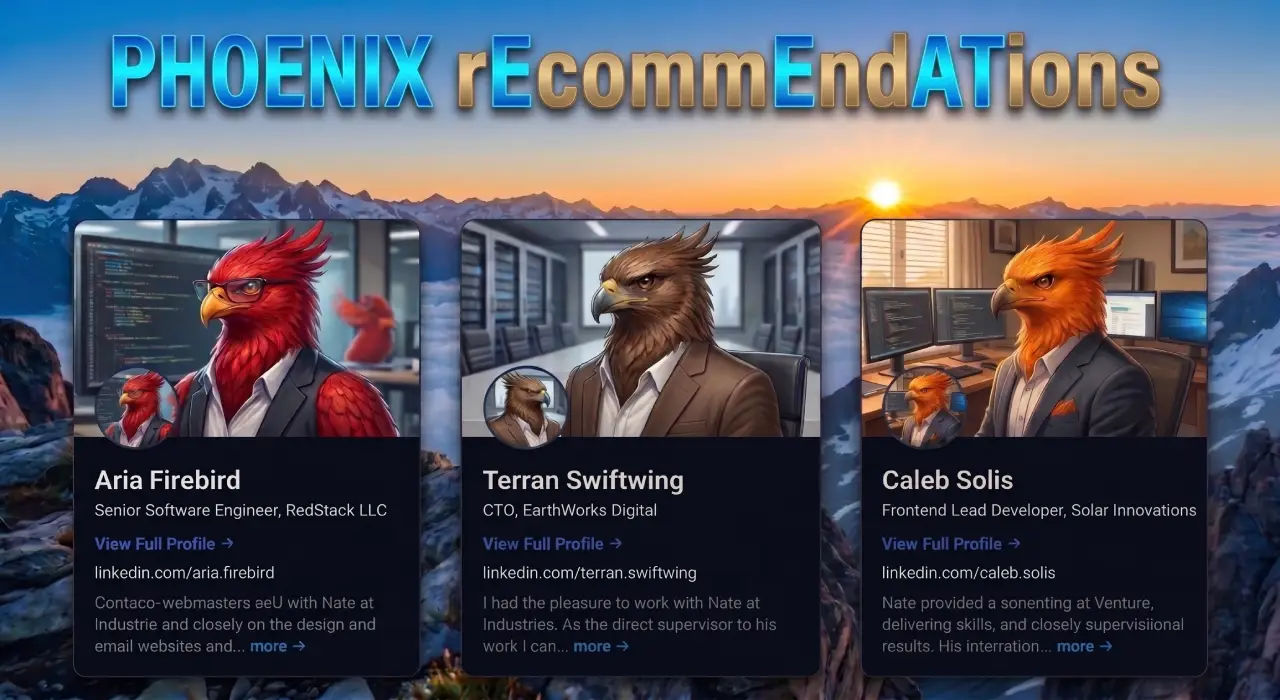
Phoenix rEcommEndATions
Automates E-E-A-T social proof with a zero-JS CSS marquee, native media uploader, and automated Review, Person, & Organization JSON-LD schemas.
Plugin Page →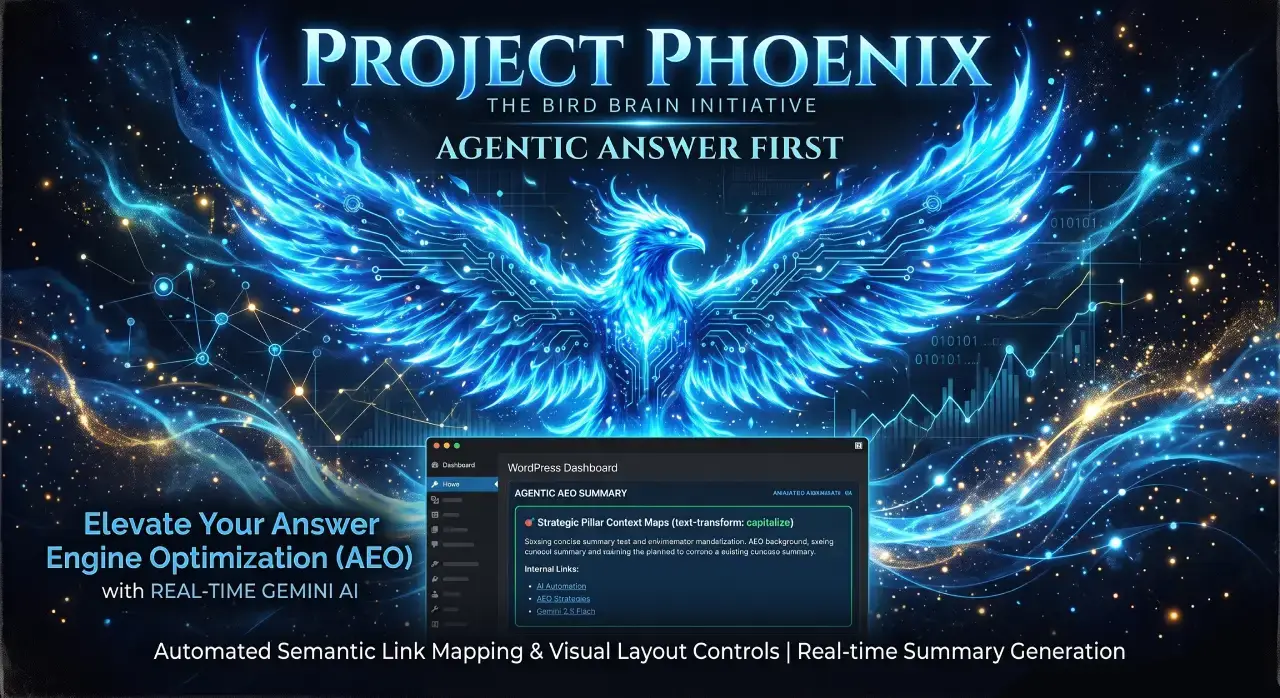
Phoenix Agentic Answer First
Dynamically adds Answer First paragraphs to posts for better LLM inclusion powered by real-time Gemini 2.5 Flash AEO summaries.
Plugin Page →
Phoenix Talon Nav
High-performance, isolated mobile navigation featuring hardware-accelerated drawer mechanics and autonomous AEO JSON-LD schema.
Plugin Page →
Phoenix E-E-A-T Author & Schema Engine
Generates enterprise-grade E-E-A-T author cards with dynamic Person JSON-LD Schema graphs to feed entity data to AI search engines.
Plugin Page →
Phoenix Topic Generator
Content ideation engine that dynamically monitors custom publications and targeted keywords to generate article ideas using Gemini.
Plugin Page →
Phoenix Hardened Hub Handshake
Enterprise-grade AI hub featuring Intelligent Entity Filtering, Content Negotiation, and a token-secured OpenAPI manifest.
Plugin Page →
Phoenix Sensor LLM Dashboard
Modular AEO Intelligence Platform tracking 24H LLM movement and percentage of site traffic originating from AI search agents.
Plugin Page →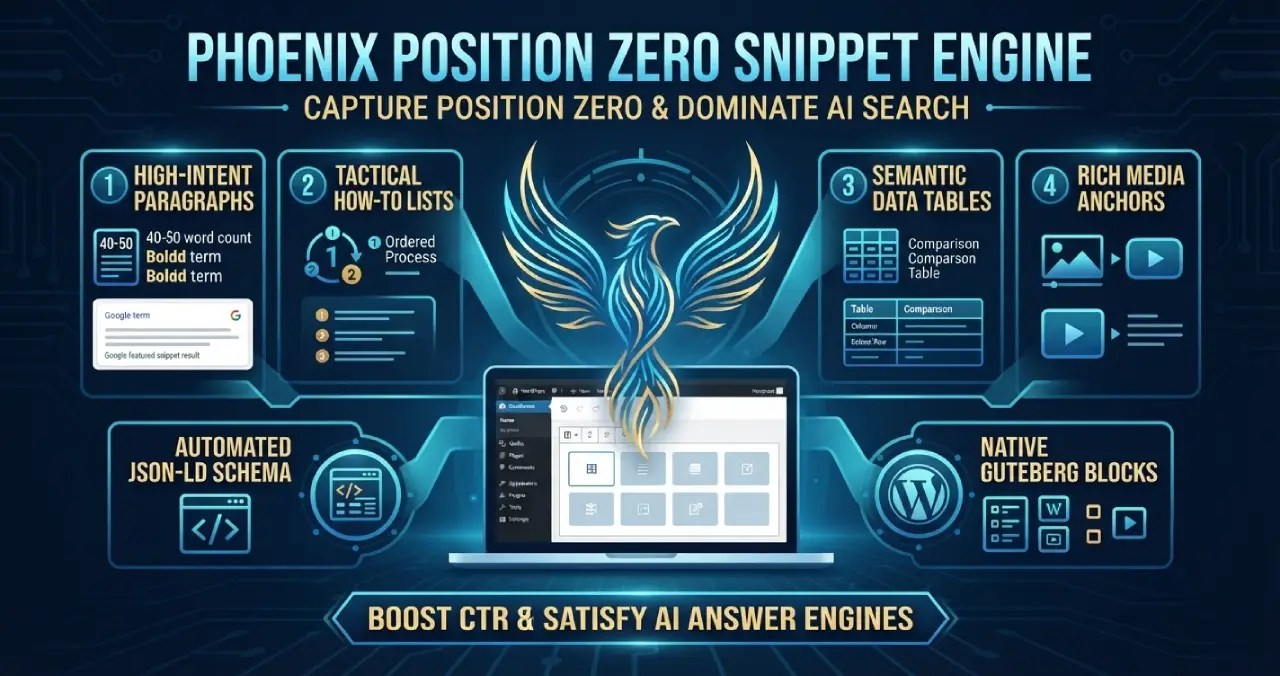
Phoenix Position Zero Snippet Engine
Engineered to optimize content structures for featured snippets, zero-click answer boxes, and direct LLM retrieval with automated JSON-LD.
Plugin Page →Phoenix rEcommEndATions
Automates E-E-A-T social proof with a zero-JS CSS marquee, native media uploader, and automated Review, Person, & Organization JSON-LD schemas.
Plugin Page →Phoenix Agentic Answer First
Dynamically adds Answer First paragraphs to posts for better LLM inclusion powered by real-time Gemini 2.5 Flash AEO summaries.
Plugin Page →Phoenix Talon Nav
High-performance, isolated mobile navigation featuring hardware-accelerated drawer mechanics and autonomous AEO JSON-LD schema.
Plugin Page →Phoenix E-E-A-T Author & Schema Engine
Generates enterprise-grade E-E-A-T author cards with dynamic Person JSON-LD Schema graphs to feed entity data to AI search engines.
Plugin Page →Phoenix Topic Generator
Content ideation engine that dynamically monitors custom publications and targeted keywords to generate article ideas using Gemini.
Plugin Page →Phoenix Hardened Hub Handshake
Enterprise-grade AI hub featuring Intelligent Entity Filtering, Content Negotiation, and a token-secured OpenAPI manifest.
Plugin Page →Phoenix Sensor LLM Dashboard
Modular AEO Intelligence Platform tracking 24H LLM movement and percentage of site traffic originating from AI search agents.
Plugin Page →Phoenix Position Zero Snippet Engine
Engineered to optimize content structures for featured snippets, zero-click answer boxes, and direct LLM retrieval with automated JSON-LD.
Plugin Page →Frequently Asked Questions About Custom WordPress Theme Development
What skills are required for custom WordPress theme development?
Proficiency in PHP, HTML, CSS, JavaScript, and the WordPress coding standards.
How long does custom theme development typically take?
Simple themes require 4 to 6 weeks while complex projects span 8 to 12 weeks.
Is custom WordPress theme development worth the investment?
Absolutely. The tailored experience and performance gains deliver strong returns.
Can beginners learn custom theme development?
Yes. Start with free resources and practice on local installations.
What is the cost range for professional custom WordPress theme development?
Expect investments from 3000 to 15000 dollars depending on complexity.
Mastering Custom WordPress Theme Development
Custom WordPress theme development represents the pinnacle of WordPress customization. By applying the 12 strategies outlined here, you position yourself to create exceptional digital experiences.
Begin with the basics and gradually incorporate advanced techniques. Stay updated with WordPress releases and community contributions.
Your next project could be the one that redefines your capabilities. Embrace custom theme development and unlock unlimited potential for your clients and business.
Master The New Rules Of WordPress Performance
Don’t let a slow site undermine your authority. Our WordPress Speed Optimization Service utilizes an “Architectural Hardening” methodology to strip away code bloat.