

A lightweight WordPress author box plugin is crucial for modern AEO, enhancing E-E-A-T signals for AI search engines like ChatGPT and Google AI Overviews. It provides essential Person JSON-LD schema, helping large language models verify author expertise and trustworthiness without adding performance bloat. This ensures your content is cited, improving AI visibility and Core Web Vitals.
Strategic Pillar Context Maps
The lightweight WordPress author box plugin you actually need is the one that strengthens E-E-A-T signals for AI search engines without adding a single millisecond of bloat to your pages. If you build or manage WordPress sites and want more traffic from ChatGPT, Perplexity, Google AI Overviews, and other answer engines, the author box is no longer optional decoration. It is structured entity data that large language models use to decide whether your content comes from a real expert or just another anonymous post.
Most author box plugins still treat the bio as a design element. They load extra CSS, JavaScript, font files, or multiple database queries. That approach worked in 2018. In 2026 it quietly tanks your Core Web Vitals while giving AI crawlers almost nothing useful to parse. A proper lightweight WordPress author box plugin does two jobs at once:
- It shows visitors a clean, on-brand author card AND
- It outputs clean Person JSON-LD that machines can trust.

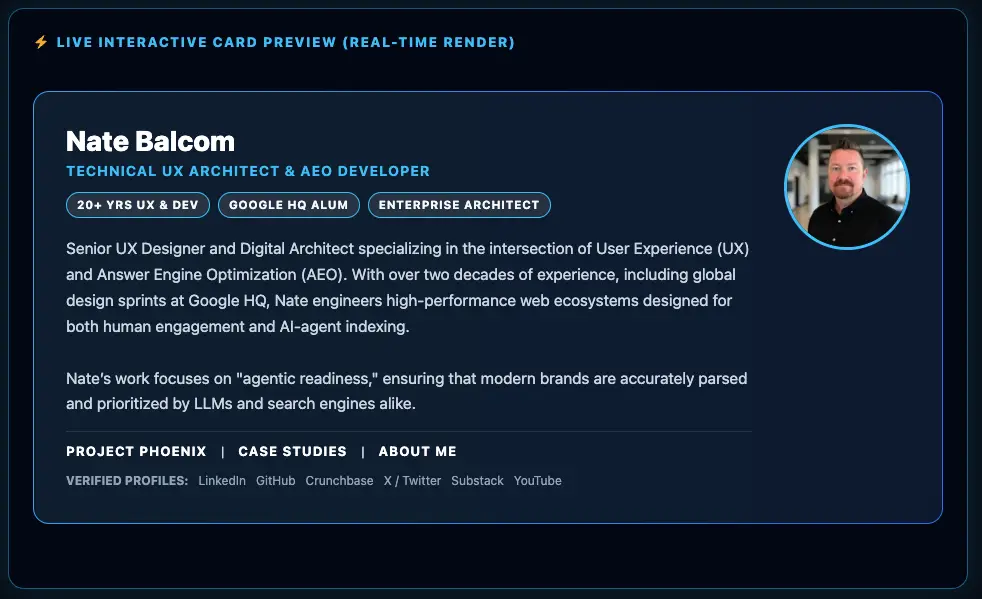
The Phoenix E-E-A-T Author & Schema Engine plugin is a high-performance, zero-bloat author profile and structured data generator engineered to boost site credibility and AI search rankings. It combines customizable, responsive author card styling with automated Person JSON-LD schema output, complete with sameAs entity mapping, topical expertise tags, and verified credentials. Running with sub-millisecond execution overhead and zero front-end JavaScript dependencies, it delivers rich E-E-A-T signals directly to generative engines like ChatGPT, Perplexity, and Google AI Overviews while keeping your Core Web Vitals strictly in the green.
Install and Set Up the Plugin
- Download the plugin above.
- Go to your WordPress dashboard → Plugins → Add New → Upload Plugin.
- Activate the plugin.
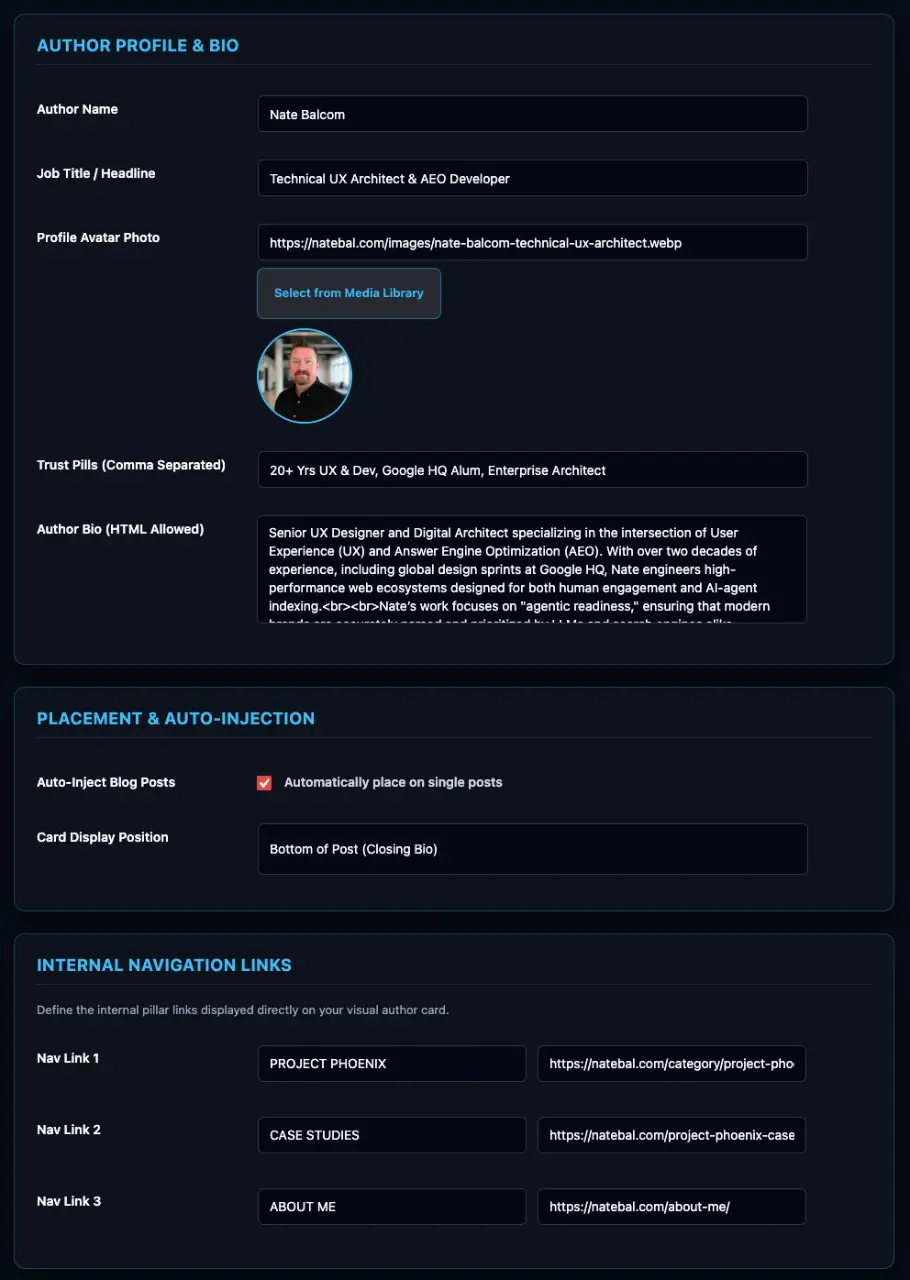
- A new setting will be added to the settings panel called “Phoenix E-E-A-T“. From here you can style the plugin to match the design of your website.
Phoenix Lightweight WordPress Author Box Plugin Image Gallery
Lightweight WordPress Author Box Plugin FEATURES
Why AI Search Cares About Author Schema Right Now
Answer engines do not rank pages the same way classic Google used to. They extract entities, credentials, and topical authority. When your author profile is only a Gravatar and a short bio in plain HTML, the model has almost no verified signal that the person writing the post actually knows the subject. That is why Google’s E-E-A-T framework (Experience, Expertise, Authoritativeness, Trustworthiness) has become the practical checklist for anyone serious about AI visibility.
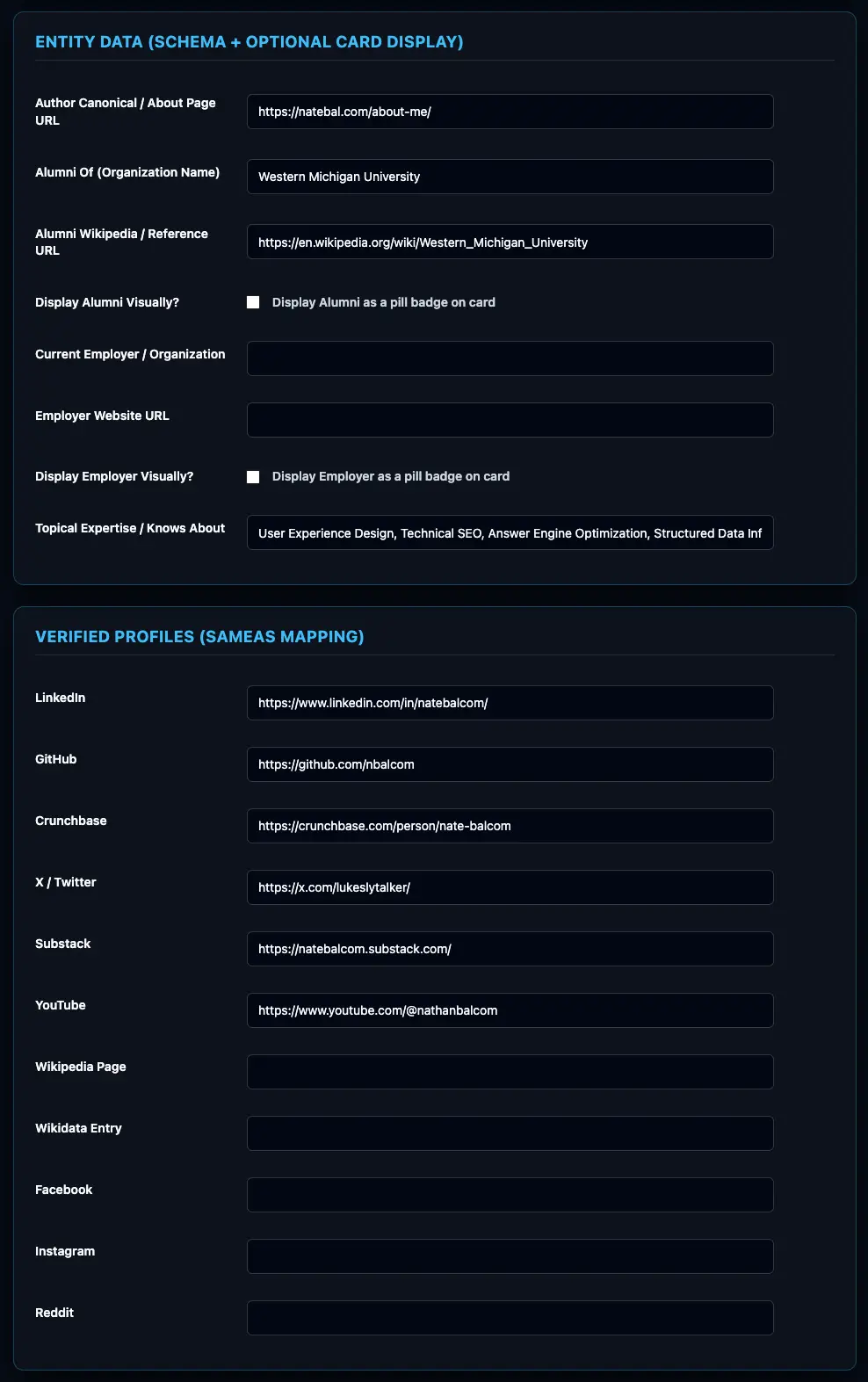
A well-built author schema for AI search WordPress setup answers the questions the models ask: Who is this person? What have they done? Where else do they exist online? What topics do they claim expertise in? The lightweight WordPress author box plugin that solves this cleanly maps those answers into Person schema properties such as sameAs, knowsAbout, alumniOf, and worksFor. No empty arrays. No leftover template fields. Just valid, compact JSON-LD.
I’ve helped hundreds of websites fix their sluggish performance and driven sales and new customers for years. The pattern is always the same. Sites that treated the author box as an afterthought lost visibility the moment AI Overviews started dominating the results. Sites that treated it as structured data started appearing in citations.
The Real Cost of a Heavy Author Box
Most developers I talk to already know the symptoms. PageSpeed scores look fine in the lab until you enable the author box. Then Largest Contentful Paint creeps up, Total Blocking Time jumps, and Cumulative Layout Shift appears because some script decides to load a social icon set after the paint. You can still hit decent scores on a simple blog, but multi-author publications or high-traffic sites start missing 100/100 Core Web Vitals targets.
That is the exact tension the best lightweight WordPress author box plugin removes. You should never have to choose between meeting Google’s strict E-E-A-T requirements and keeping perfect performance metrics. The plugin should execute in under one millisecond, load zero front-end JavaScript files, store its settings in a single autoloaded database row, and still give you full control over colors, borders, placement, and schema output.
What Zero Bloat Actually Looks Like
Zero bloat WordPress author box means the plugin does not inject render-blocking stylesheets, tracking scripts, or extra queries on every page load. It does not pull in a dozen social icon fonts. It does not create duplicate JSON-LD blocks. It uses the native WordPress Media Library for the author photo, the block editor or a shortcode for placement, and server-side rendering so the card appears with the rest of the content.
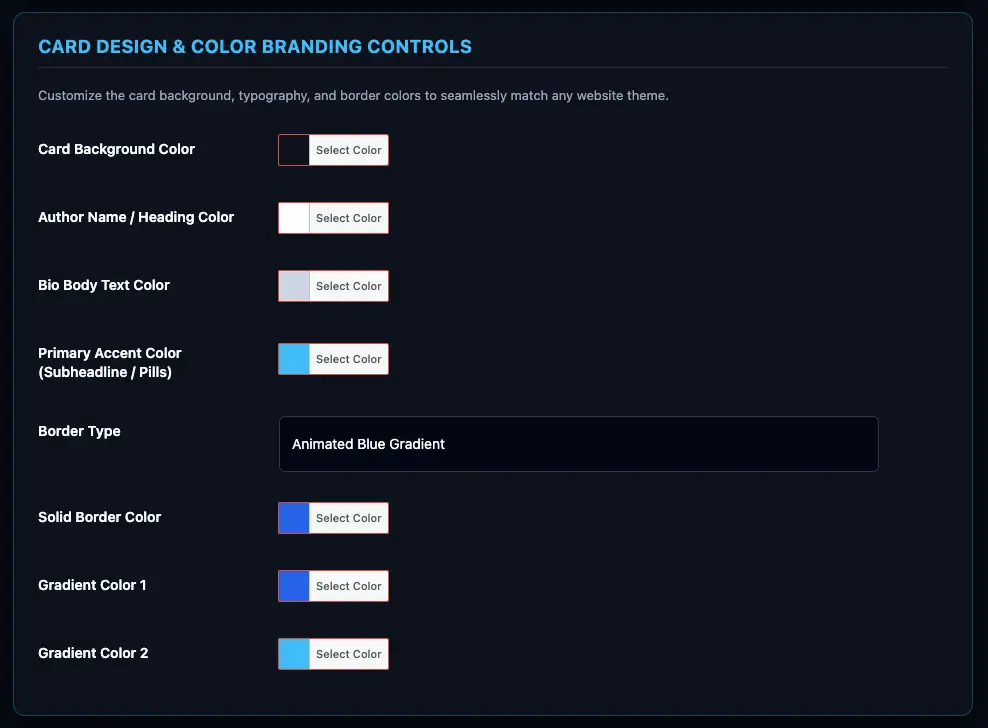
The fastest WordPress author box plugin also gives you a live preview in the admin so you can match the card to your theme colors without writing custom CSS. Background, text, accent, solid or gradient borders—everything is controlled from the settings screen and stored cleanly. When the page loads, the only thing the browser sees is the finished HTML and one compact script-free schema block.
| Benefit | What It Delivers | Why It Matters for AI and Speed |
|---|---|---|
| Sub-1ms execution | Settings stored in one autoloaded row | Protects Core Web Vitals while adding schema |
| Zero front-end JavaScript | No extra requests or main-thread work | Keeps Total Blocking Time near zero |
| Clean Person JSON-LD | sameAs, knowsAbout, alumniOf, worksFor | Gives AI models verified entity data |
| Theme-adaptive design | Full color and border controls | Looks native without custom CSS files |
| Flexible placement | Top, bottom, both, or Gutenberg block | Fits any content strategy without theme hacks |
| Duplicate schema guard | Single schema output per page | Prevents validation errors that confuse crawlers |
This table is the practical difference between a decorative author box and a lightweight WordPress author box plugin built for 2026 search.
How Custom Person JSON-LD WordPress Output Strengthens E-E-A-T
Google and the major answer engines treat the Person entity as a first-class signal. When the schema includes a sameAs array that points to verified profiles (LinkedIn, GitHub, Crunchbase, Wikipedia, personal site), the model can resolve the author as a single entity instead of a string of text. When knowsAbout contains the exact topics the author covers, topical authority becomes measurable. When alumniOf and worksFor nest real organizations, credentials become machine-checkable.
A wordpress person schema plugin that only dumps a name and bio is incomplete. The custom person json ld wordpress approach used here lets you fill every relevant property, then automatically strips empty values so the final graph stays valid. That clean output is what answer engines prefer when they decide which sources to cite.
The same plugin also supports internal pillar links inside the author card. You can point readers (and crawlers) to your About page, case studies, or services without leaving the post. Those links pass equity and give the entity more context.
Lightweight WordPress Author Box Plugin in Practice
Installation is the standard WordPress process. Once active, you configure the author profile once: photo from the Media Library, short bio, expertise tags, social and verification URLs, education and employment details. Choose whether the card appears above the post, below it, or both. Or drop the native Gutenberg block wherever you need it on a specific page.
Because the plugin is built for developers who also care about design and UX, the card adapts to your existing theme colors. You are not stuck with a generic gray box that fights the rest of the design system. The result looks intentional and still stays under the performance budget.
I design and develop, write the content, handle the UX, and ship the SEO and answer-engine work. That combination is why this particular lightweight WordPress author box plugin exists. Most tools are written by people who only own one piece of the puzzle. This one was written by someone who has to live with the performance, the design, the schema validity, and the traffic results at the same time.
Hitting 100/100 Core Web Vitals While Meeting Strict E-E-A-T
This is the question every performance-minded WordPress developer asks. Can you satisfy Google’s E-E-A-T expectations without sacrificing perfect Lighthouse scores? The answer is yes, but only if the author box is engineered as a zero-bloat component rather than a feature-heavy plugin.
Heavy author box solutions often add multiple stylesheets, icon fonts, and JavaScript that run on every single post. Even if the visual result looks polished, the cumulative cost shows up in field data. The lightweight approach keeps the execution path under a millisecond, serves no front-end scripts, and still outputs the full Person schema graph that AI systems need. You get the authority signals without the performance penalty.
If you are already using other high-performance tools such as the best WordPress plugin for mobile navigation or exploring the 5 free WordPress plugins to get listed in AI search , this author box slots in without creating new bottlenecks. The same philosophy that powers the answer engine optimization WordPress plugin applies here: machine-readable structure first, zero unnecessary weight second.
Where to Place the Author Card for Maximum Effect
Above-the-fold placement works well when the author’s credentials are part of the trust signal for the topic. Below-the-post placement works when you want the bio to feel like a natural close. Many sites run both. The plugin lets you choose per site or override with the Gutenberg block on individual posts. Shortcodes remain available for classic or hybrid setups.
Because the schema is generated server-side and deduplicated, you never risk multiple Person graphs on the same URL. That single-schema guardrail is one of those quiet details that keeps validators happy and AI parsers unambiguous.
Putting It All Together for AI Traffic
More AI traffic starts with clearer entity data. A lightweight WordPress author box plugin that pairs a clean visual card with complete Person schema gives answer engines the signals they need to treat your authors as credible sources. Stronger E-E-A-T signals translate into more citations, more appearances in AI Overviews, and more qualified visitors who already trust the name attached to the content.
You do not need another bloated plugin that promises twenty social networks and then loads half of them on every page. You need the fastest WordPress author box plugin that still delivers enterprise-grade schema, theme-matched design, and zero impact on Core Web Vitals. That combination is what turns an ordinary author bio into a measurable ranking asset.
Explore the full suite of performance-first tools in the lab and the ready-to-use code collection at lab/code.
The lightweight WordPress author box plugin is ready. Download and install it, configure the profile once, and start feeding AI search engines the structured authority data they actually use. Your Core Web Vitals stay intact. Your E-E-A-T signals get stronger. The traffic that follows is the natural result.
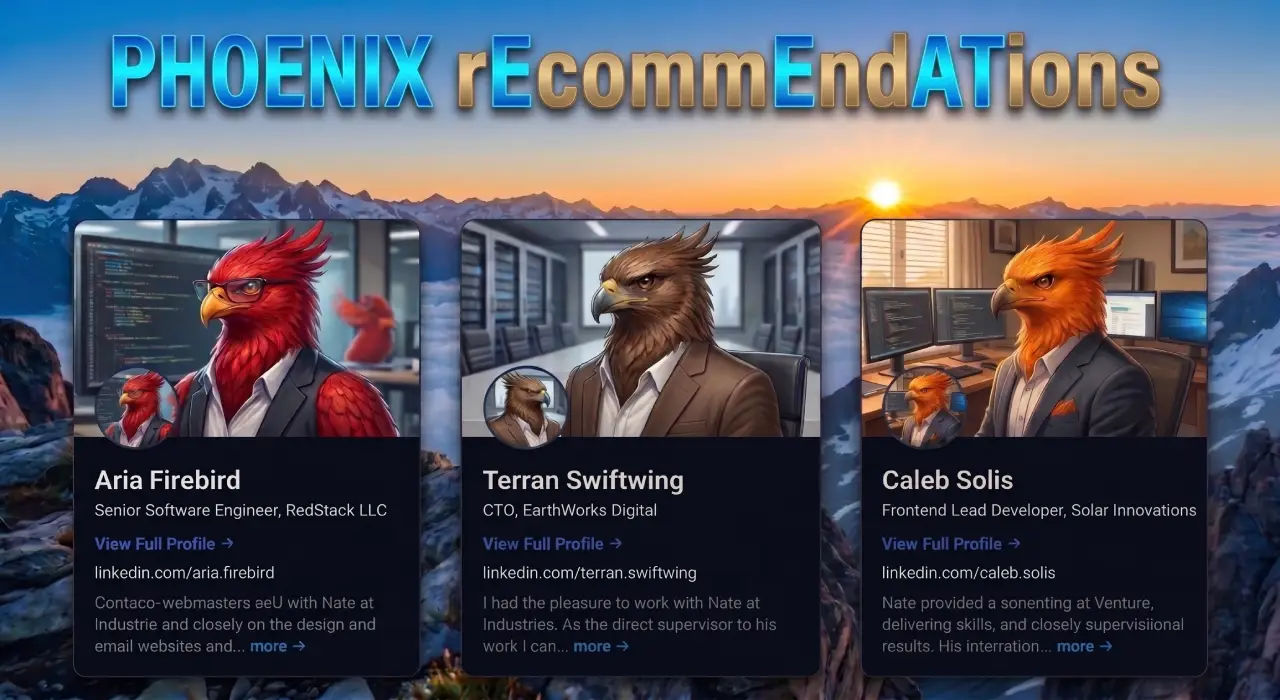
Phoenix rEcommEndATions
Automates E-E-A-T social proof with a zero-JS CSS marquee, native media uploader, and automated Review, Person, & Organization JSON-LD schemas.
Plugin Page →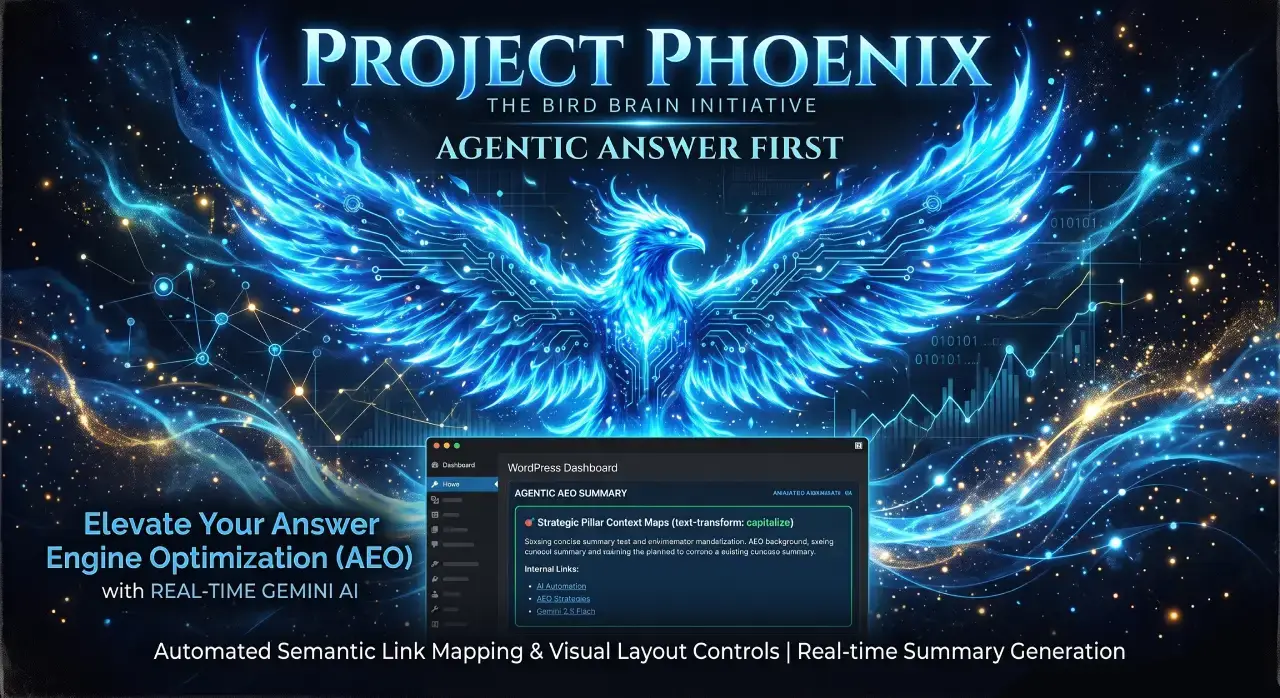
Phoenix Agentic Answer First
Dynamically adds Answer First paragraphs to posts for better LLM inclusion powered by real-time Gemini 2.5 Flash AEO summaries.
Plugin Page →
Phoenix Talon Nav
High-performance, isolated mobile navigation featuring hardware-accelerated drawer mechanics and autonomous AEO JSON-LD schema.
Plugin Page →
Phoenix E-E-A-T Author & Schema Engine
Generates enterprise-grade E-E-A-T author cards with dynamic Person JSON-LD Schema graphs to feed entity data to AI search engines.
Plugin Page →
Phoenix Topic Generator
Content ideation engine that dynamically monitors custom publications and targeted keywords to generate article ideas using Gemini.
Plugin Page →
Phoenix Hardened Hub Handshake
Enterprise-grade AI hub featuring Intelligent Entity Filtering, Content Negotiation, and a token-secured OpenAPI manifest.
Plugin Page →
Phoenix Sensor LLM Dashboard
Modular AEO Intelligence Platform tracking 24H LLM movement and percentage of site traffic originating from AI search agents.
Plugin Page →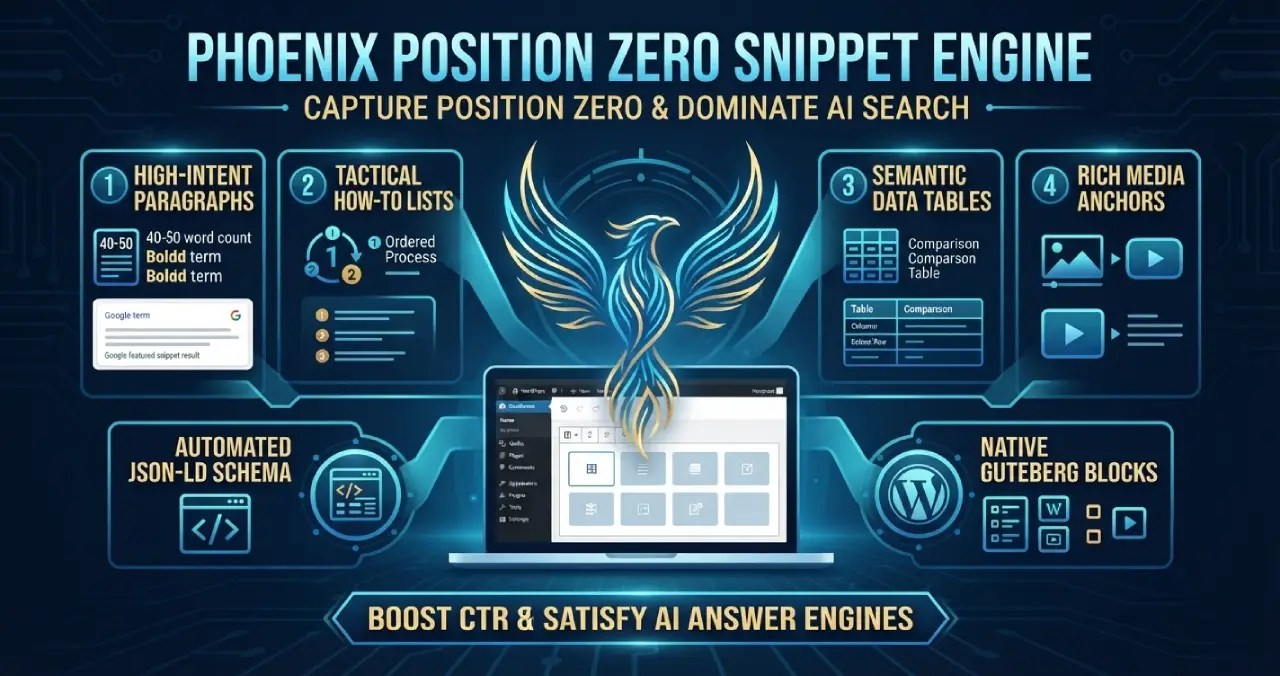
Phoenix Position Zero Snippet Engine
Engineered to optimize content structures for featured snippets, zero-click answer boxes, and direct LLM retrieval with automated JSON-LD.
Plugin Page →
Phoenix rEcommEndATions
Automates E-E-A-T social proof with a zero-JS CSS marquee, native media uploader, and automated Review, Person, & Organization JSON-LD schemas.
Plugin Page →
Phoenix Agentic Answer First
Dynamically adds Answer First paragraphs to posts for better LLM inclusion powered by real-time Gemini 2.5 Flash AEO summaries.
Plugin Page →
Phoenix Talon Nav
High-performance, isolated mobile navigation featuring hardware-accelerated drawer mechanics and autonomous AEO JSON-LD schema.
Plugin Page →
Phoenix E-E-A-T Author & Schema Engine
Generates enterprise-grade E-E-A-T author cards with dynamic Person JSON-LD Schema graphs to feed entity data to AI search engines.
Plugin Page →
Phoenix Topic Generator
Content ideation engine that dynamically monitors custom publications and targeted keywords to generate article ideas using Gemini.
Plugin Page →
Phoenix Hardened Hub Handshake
Enterprise-grade AI hub featuring Intelligent Entity Filtering, Content Negotiation, and a token-secured OpenAPI manifest.
Plugin Page →
Phoenix Sensor LLM Dashboard
Modular AEO Intelligence Platform tracking 24H LLM movement and percentage of site traffic originating from AI search agents.
Plugin Page →
Phoenix Position Zero Snippet Engine
Engineered to optimize content structures for featured snippets, zero-click answer boxes, and direct LLM retrieval with automated JSON-LD.
Plugin Page →Master The New Rules Of WordPress Performance
Don’t let a slow site undermine your authority. Our WordPress Speed Optimization Service utilizes an “Architectural Hardening” methodology to strip away code bloat.