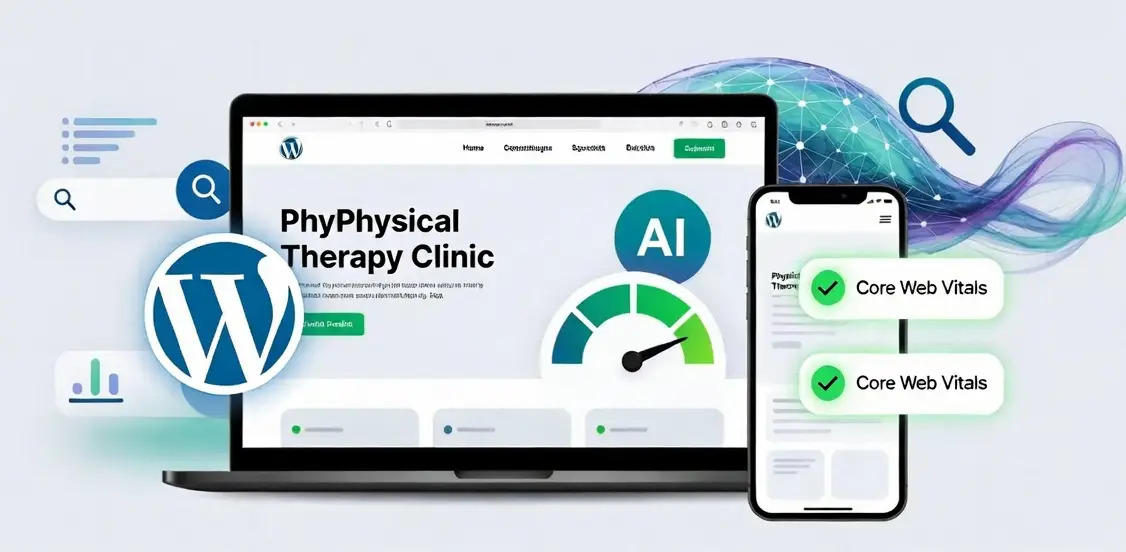

WordPress speed optimization for AI search is vital for online visibility, especially for local businesses like physical therapy practices. Slow sites are ignored by AI crawlers and Google AI Overviews, leading to reduced organic traffic and ineffective Google Ads. Addressing issues like heavy themes, unoptimized images, and poor hosting improves Core Web Vitals, ensuring content is processed and cited by AI systems, ultimately driving new patient acquisition.
Strategic Pillar Context Maps
WordPress speed optimization for AI search is the difference between new patients finding your physical therapy practice and your site getting ignored. Slow pages get skipped by AI crawlers, left out of Google AI Overviews, and abandoned by people who expect answers in under three seconds. I’ve helped hundreds of websites fix their sluggish performance and driven sales and new customers for years. The same issues show up whether you offer acupuncture, muscle rehabilitation, or broken bone therapy. If the site crawls, AI search treats it like it does not exist.
Most owners notice the symptoms first. Organic traffic softens. Google Ads cost more and convert less. The phone rings less often. The root cause is almost always the same: a heavy theme, unoptimized images, leftover plugins, or hosting that cannot keep up. Both traditional crawlers and AI systems punish that friction. The good news is that WordPress speed optimization for AI search is measurable and fixable.
Why Is My WordPress Site So Slow? (And How It Makes You Invisible to AI Search)
Your site feels fine on the office network. A potential patient on a phone at a red light hits a five-second load and leaves. Google’s Core Web Vitals capture that real-world experience through Largest Contentful Paint, Interaction to Next Paint, and Cumulative Layout Shift. AI Overviews and other generative tools use similar signals. They favor pages that load fast enough to be useful right away.

Slow Time to First Byte is the quiet killer on many WordPress installs. Shared hosting combined with a page builder often pushes TTFB past 800 ms. AI crawlers work with limited budgets. When the server takes too long, they move on. Service pages about muscle rehabilitation or post-surgery recovery never get fully processed or cited. That is how a practice becomes invisible without anyone noticing the technical problem.
Mobile traffic dominates local searches for physical therapy. Clunky navigation and heavy scripts make the problem worse. WordPress speed optimization for AI search therefore has to include mobile performance from the start. Lightweight menus, deferred scripts, and clean code keep scores high and crawlers interested.
The Real Reason Your Site Is Crawling: Theme Bloat vs. Real Performance
Most slow WordPress complaints start with the theme. Demo sites look polished. In real use they load dozens of unused CSS and JavaScript files. Page builders add more weight through inline styles and extra DOM elements. The result is poor mobile Core Web Vitals even after a cache plugin is turned on.

Real performance begins with the foundation. Choose or clean a lightweight theme. Remove features you do not use. Defer non-critical scripts. Convert images to modern formats and serve them at the right size. Hosting quality matters more than most people expect. Managed WordPress hosts with server-level caching routinely bring TTFB under 200 ms. That single move often shifts Largest Contentful Paint from poor to good.
Plugins need the same hard look. Every active plugin adds weight. Audit them every few months and keep only what you actually need. WordPress speed optimization for AI search fails when leftover tools keep loading scripts that no longer serve a purpose. Clean code and fast response times give both users and crawlers a better experience.
How Slow Load Times Silently Siphon Away AI Search Traffic
AI search does not work like the old list of blue links. Tools fetch live content, summarize it, and decide which sources to cite. If the page responds too slowly, the crawler times out or simply deprioritizes the site. Zero-click results become common. Your practice never appears in the answer that the potential patient actually reads.
Core Web Vitals impact on AI search is real. Sites with solid scores get crawled more often and surface more frequently in generative results. Slow sites receive less budget. New posts about acupuncture techniques or rehab protocols stay hidden longer. The effect builds over months until traffic feels mysteriously lower even though content is still being published.
I’ve watched this pattern repeatedly. A clinic keeps spending on Google Ads while organic and AI visibility quietly collapses because the landing pages are slow. The ads still show, but the post-click experience is poor. Quality Score drops. Cost per lead rises. Return on ad spend falls. Proper WordPress speed optimization for AI search recovers both organic visibility and paid efficiency at the same time.
Uncover Your Hidden Website Bottlenecks
A slow or poorly optimized website quietly drives away valuable traffic and hurts your search rankings every single day. Get a comprehensive analysis of your site’s speed, user experience, and technical health to see exactly where you might be losing potential customers. Claim your free performance report today to start turning technical fixes into measurable business growth.
Why Has My Traffic Dropped Off? Why Aren’t My Google Ads as Effective as They Used to Be?
Two forces hit together. Organic traffic softens because AI Overviews answer many informational queries without requiring a click. Paid performance weakens because users see the AI summary first and give the ads less attention. Data from 2025 into 2026 shows paid click-through rates falling sharply when AI Overviews appear. Some measurements show drops from nearly 20 percent to under 7 percent on affected queries.
Here is a clear comparison of why Google Ads often deliver fewer leads than they did a couple of years ago:
| Factor | What Changed | Impact on Leads |
| AI Overviews | Answers appear above ads and organic results | Fewer clicks to the site; users get the information without visiting |
| Zero-click searches | More queries resolved on the results page | Lower overall traffic volume even with the same ad spend |
| Higher competition for remaining clicks | Advertisers bid harder for a smaller pool of clicks | Cost per click rises while conversion rates stay flat or drop |
| Landing page speed | Slow pages hurt Quality Score and the post-click experience | Higher bounce rates and fewer form fills or phone calls |
| Shift to conversational queries | Users ask longer questions that AI answers more effectively | Traditional keyword-matched ads miss the new intent patterns |
Modern tactics have to change. Generative Engine Optimization WordPress work focuses on clear, structured content that AI systems can extract and cite easily. Speed is the entry requirement. Without solid WordPress speed optimization for AI search, everything else underperforms.
How AI crawlers index WordPress sites depends heavily on response time and clean output. Pages that rely on heavy client-side JavaScript create friction. Pre-rendering or careful deferral helps. Semantic markup, fast server response, and good Core Web Vitals give the crawlers what they need. Fix slow WordPress theme for SEO first, then improve content structure.
Mobile experience still counts. People looking for a nearby physical therapist often search on their phones. Clunky navigation and slow scripts hurt both user experience and performance scores. WordPress speed optimization for AI search therefore includes every element that affects load time and interactivity on smaller screens.
Practical Steps for WordPress Speed Optimization for AI Search
Begin with measurement. Run Google PageSpeed Insights and pay attention to the field data, not only the lab scores. Check Search Console for Core Web Vitals reports. Identify the worst pages, usually the home page and the highest-traffic service pages.

Address hosting and caching next. Move to quality managed hosting if the site still sits on basic shared plans. Turn on full-page caching and a content delivery network. Optimize images automatically. Minify and defer CSS and JavaScript. Remove unused plugins and theme features.
Test the mobile experience carefully. Navigation, image sizes, and script loading all affect Interaction to Next Paint and Largest Contentful Paint. Clean, lightweight code keeps scores in the good range and gives AI crawlers a better chance to process the full page.
Content structure supports the technical work. Use clear headings, short paragraphs, and lists where they help. Answer common patient questions directly. Internal linking helps crawlers move through the site efficiently. Useful related reading includes how to get mentioned in Google AI Overviews, Oakland County small business web design and traffic optimization, and how to make your website show up in AI search.
These changes compound. Faster pages get crawled more often. Better Core Web Vitals support higher rankings and more frequent citations in generative results. Paid campaigns regain efficiency because the landing experience matches the promise of the ad. New patients find the practice through both organic AI results and improved ad performance.
I’ve helped hundreds of websites fix their sluggish performance and driven sales and new customers for years. The pattern is consistent. Owners who treat speed as a core business metric see traffic stabilize and grow again. Those who ignore it keep wondering why fewer people call or fill out the contact form.
FAQ: Common Questions About Slow Sites and AI Visibility
Do Google Core Web Vitals still matter for AI search?

Yes. Strong scores improve crawl efficiency and the user signals that AI systems notice. Weak scores limit how often and how thoroughly content gets processed.
Can a slow theme alone kill AI traffic?
Yes. Theme bloat is one of the most common causes of poor Largest Contentful Paint and high Time to First Byte on WordPress sites. Cleaning or replacing the theme often produces the largest single improvement.
Will fixing speed improve Google Ads results?
It helps significantly. A better landing page experience raises Quality Score and conversion rates. Combined with AI-aware creative and targeting adjustments, many practices recover efficiency they had lost.
How often should performance be re-checked?
After any major plugin, theme, or content change. Quarterly audits catch gradual bloat before it becomes a visible problem.
If the physical therapy or rehabilitation site feels slower than it should, or if AI search and Google Ads are underperforming, the path forward is clear. Clean up the technical foundation. Prioritize Core Web Vitals. Keep the code light. Then create content that AI systems can use easily.
WordPress speed optimization for AI search is not a one-time project. It is ongoing maintenance that protects visibility and conversion rates. Practices that stay on top of it keep showing up when potential patients are looking for help. Practices that let the site slow down quietly lose those opportunities.
Ready to stop losing potential patients to slow pages? Let's talk get your WordPress site performing the way it should for both traditional search and AI search.
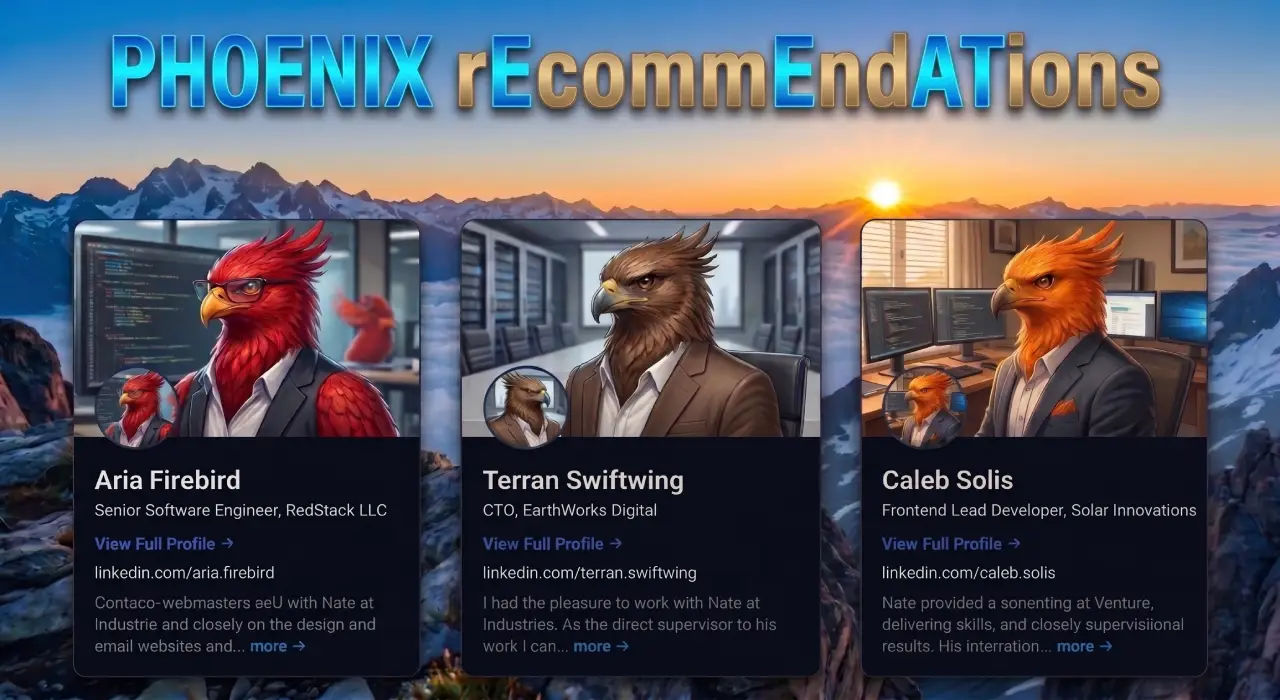
Phoenix rEcommEndATions
Automates E-E-A-T social proof with a zero-JS CSS marquee, native media uploader, and automated Review, Person, & Organization JSON-LD schemas.
Plugin Page →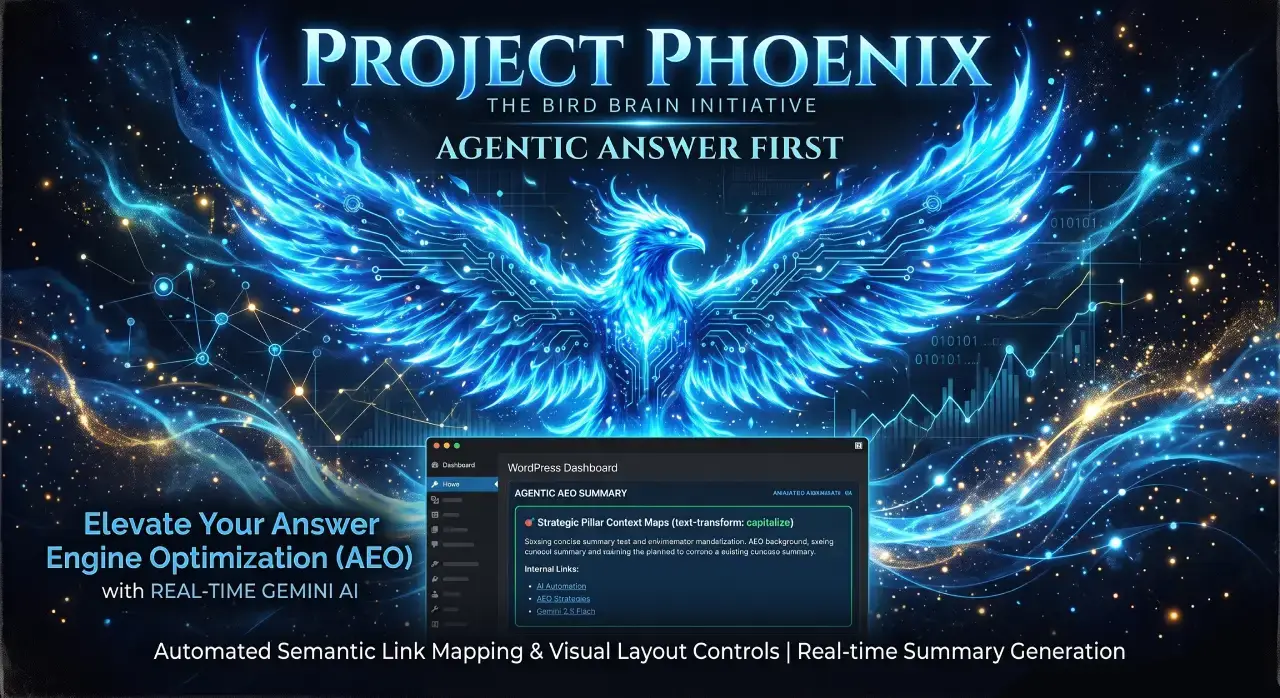
Phoenix Agentic Answer First
Dynamically adds Answer First paragraphs to posts for better LLM inclusion powered by real-time Gemini 2.5 Flash AEO summaries.
Plugin Page →
Phoenix Talon Nav
High-performance, isolated mobile navigation featuring hardware-accelerated drawer mechanics and autonomous AEO JSON-LD schema.
Plugin Page →
Phoenix E-E-A-T Author & Schema Engine
Generates enterprise-grade E-E-A-T author cards with dynamic Person JSON-LD Schema graphs to feed entity data to AI search engines.
Plugin Page →
Phoenix Topic Generator
Content ideation engine that dynamically monitors custom publications and targeted keywords to generate article ideas using Gemini.
Plugin Page →
Phoenix Hardened Hub Handshake
Enterprise-grade AI hub featuring Intelligent Entity Filtering, Content Negotiation, and a token-secured OpenAPI manifest.
Plugin Page →
Phoenix Sensor LLM Dashboard
Modular AEO Intelligence Platform tracking 24H LLM movement and percentage of site traffic originating from AI search agents.
Plugin Page →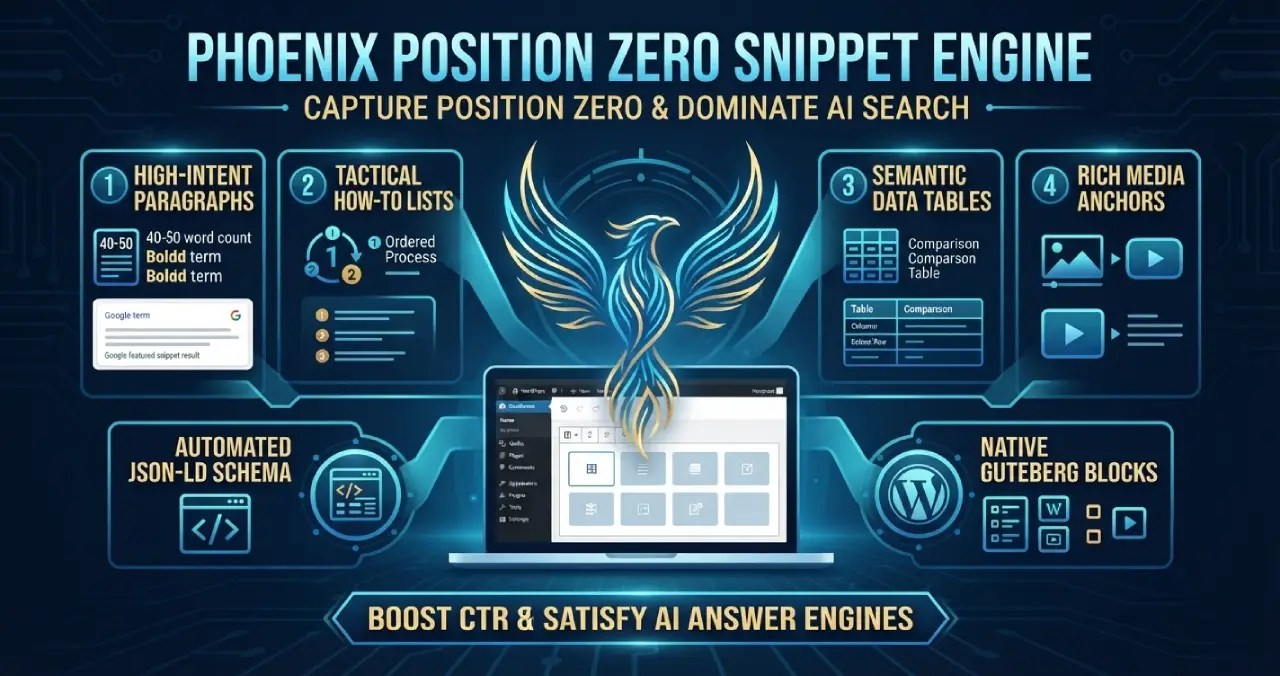
Phoenix Position Zero Snippet Engine
Engineered to optimize content structures for featured snippets, zero-click answer boxes, and direct LLM retrieval with automated JSON-LD.
Plugin Page →
Phoenix rEcommEndATions
Automates E-E-A-T social proof with a zero-JS CSS marquee, native media uploader, and automated Review, Person, & Organization JSON-LD schemas.
Plugin Page →
Phoenix Agentic Answer First
Dynamically adds Answer First paragraphs to posts for better LLM inclusion powered by real-time Gemini 2.5 Flash AEO summaries.
Plugin Page →
Phoenix Talon Nav
High-performance, isolated mobile navigation featuring hardware-accelerated drawer mechanics and autonomous AEO JSON-LD schema.
Plugin Page →
Phoenix E-E-A-T Author & Schema Engine
Generates enterprise-grade E-E-A-T author cards with dynamic Person JSON-LD Schema graphs to feed entity data to AI search engines.
Plugin Page →
Phoenix Topic Generator
Content ideation engine that dynamically monitors custom publications and targeted keywords to generate article ideas using Gemini.
Plugin Page →
Phoenix Hardened Hub Handshake
Enterprise-grade AI hub featuring Intelligent Entity Filtering, Content Negotiation, and a token-secured OpenAPI manifest.
Plugin Page →
Phoenix Sensor LLM Dashboard
Modular AEO Intelligence Platform tracking 24H LLM movement and percentage of site traffic originating from AI search agents.
Plugin Page →
Phoenix Position Zero Snippet Engine
Engineered to optimize content structures for featured snippets, zero-click answer boxes, and direct LLM retrieval with automated JSON-LD.
Plugin Page →Master The New Rules Of WordPress Performance
Don't let a slow site undermine your authority. Our WordPress Speed Optimization Service utilizes an "Architectural Hardening" methodology to strip away code bloat.