

Post at a Glance

Visual Portfolio Gallery Fly Layout offers a captivating layout called Gallery Fly with titles portfolio that brings motion and sophistication to image collections. This dynamic option transforms standard grids into an engaging experience where images elegantly fly in from the sides as visitors scroll, while titles appear with smooth animations. Perfect for creative professionals, agencies, and photographers who want their work to feel alive, the Fly layout combines visual impact with excellent readability and modern web design trends.

Getting started with Gallery Fly with titles is remarkably simple. After installing Visual Portfolio from the WordPress plugin directory, create a new portfolio from the dedicated menu. Choose Gallery as the source and upload or select existing images from your media library.
Once images are added, switch to the Layout settings panel and select Gallery Fly with titles from the dropdown. The plugin instantly applies the signature fly in animation, with each item entering from alternating directions to create a balanced, flowing rhythm across the screen.

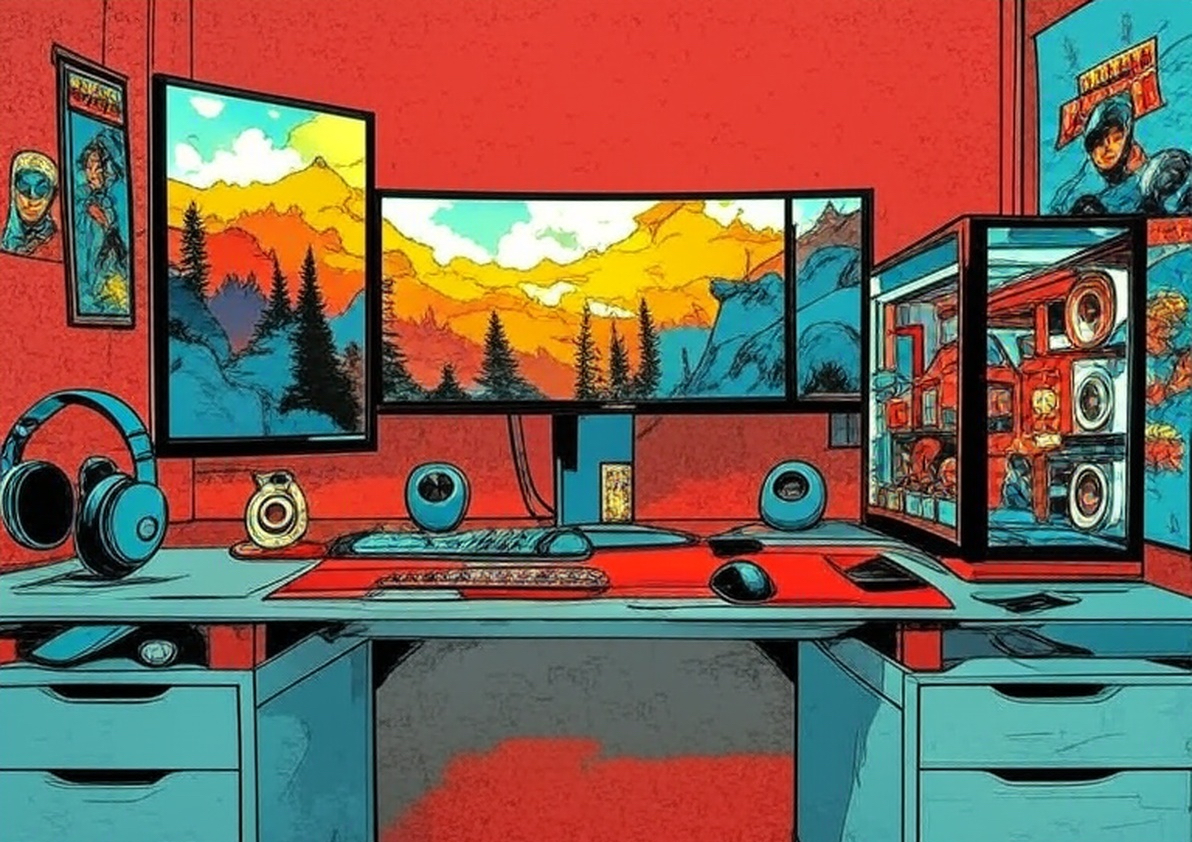

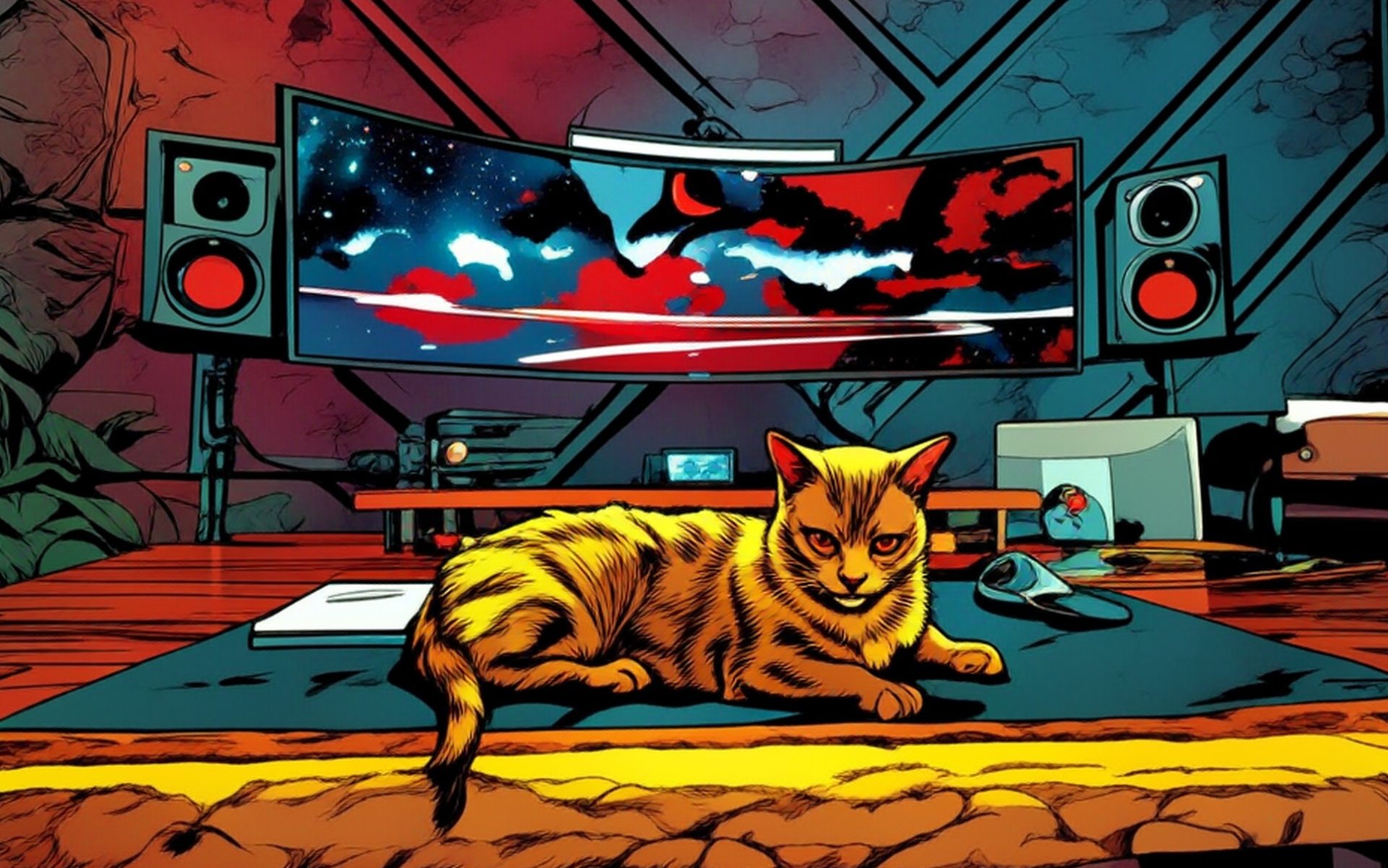

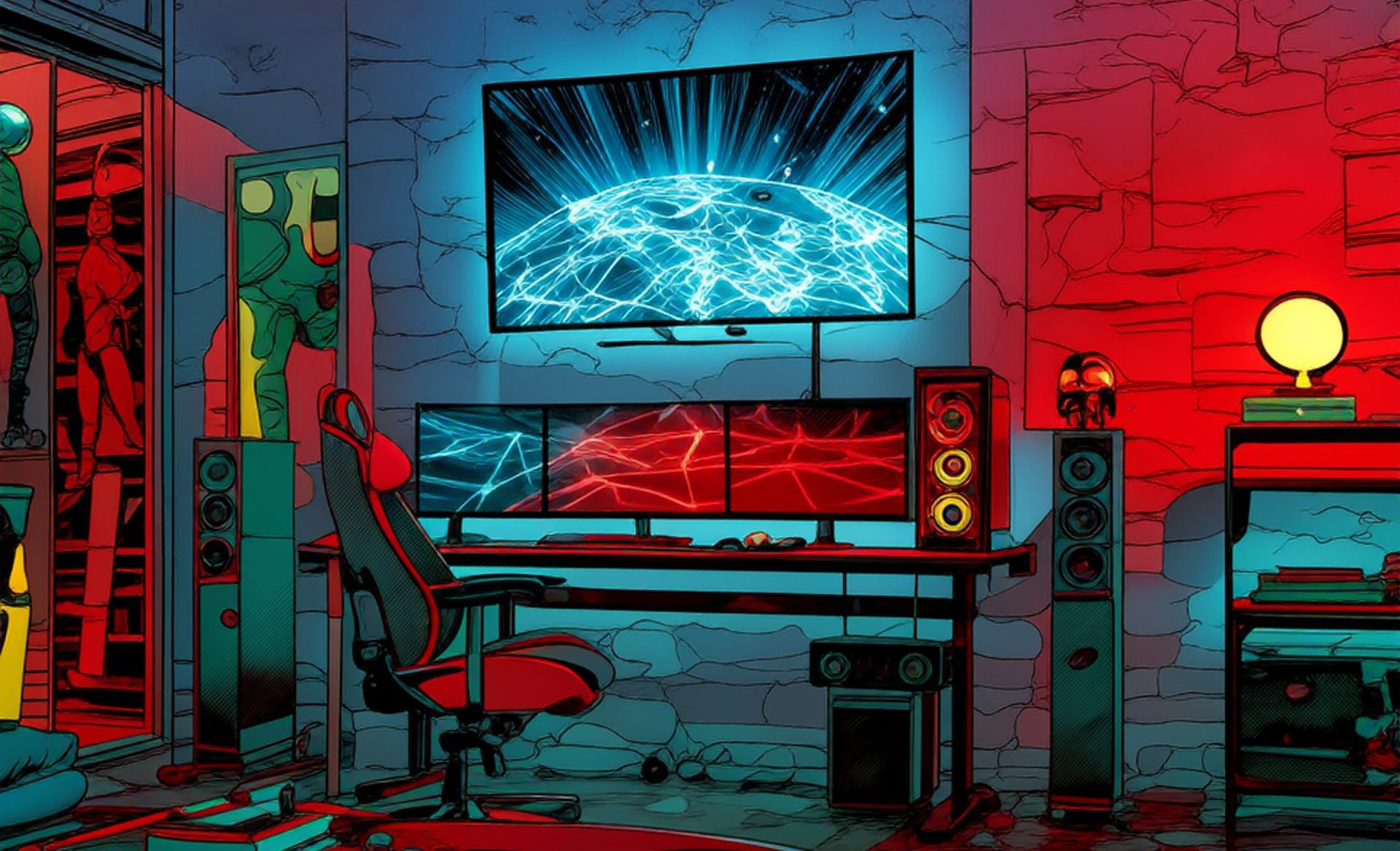
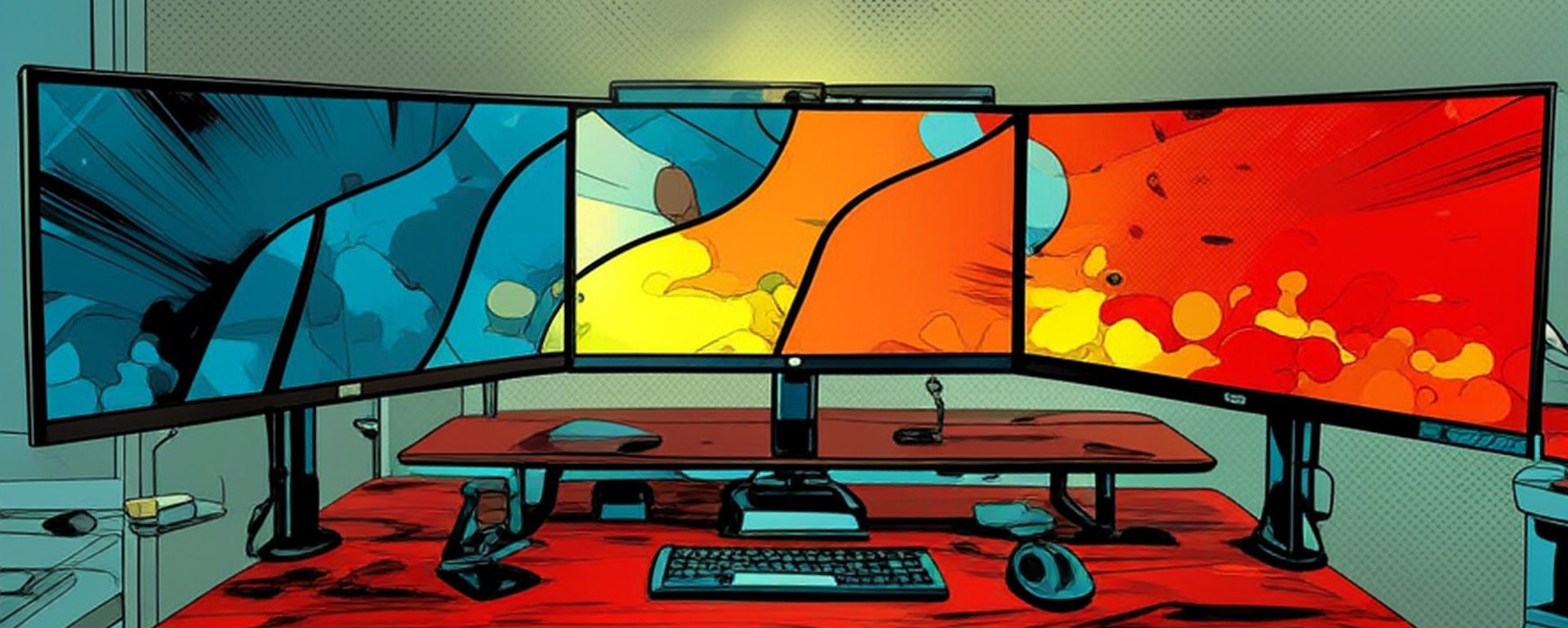
Visual Portfolio Gallery Fly
The real power lies in the extensive styling controls tailored specifically for this layout. Users can adjust the animation speed, easing type, and delay between items to match their brand tempo. Choose whether titles display permanently below images or reveal only on hover for a cleaner initial look.
Typography settings provide full control over font weight, size, letter spacing, and color, ensuring titles remain legible against diverse image backgrounds. The plugin automatically adds a semi transparent overlay on hover, preventing text clashes and maintaining contrast compliance.
Responsive behavior is exceptional. On desktop, images fly in with generous spacing, while tablets and phones automatically reduce columns and adjust animation intensity to preserve performance. The layout supports one to six columns, with the sweet spot often being three or four for optimal visual weight. Vertical spacing, horizontal gaps, and image aspect ratios are all independently adjustable, giving pixel perfect results across devices.
Interaction options elevate user engagement significantly. Enable click actions to open images in a lightbox, link to custom URLs, or trigger popup descriptions. The built in lightbox supports swipe gestures on mobile and keyboard navigation, delivering a premium gallery feel without additional plugins. For projects requiring categorization, add filter buttons above the gallery. As users click categories, remaining items fly out and new ones fly in, creating a seamless transition that keeps visitors exploring longer.
Performance remains a priority even with animations. Visual Portfolio Gallery FlyLayout uses efficient CSS transforms instead of heavy JavaScript libraries, resulting in smooth 60fps animations on most devices. Images load lazily, and the plugin defers off screen animations until needed. Google PageSpeed and GTmetrix scores typically stay high, which matters for SEO and core web vitals. The layout also generates proper schema markup for image galleries, helping search engines understand and index your visual content accurately.
Advanced users appreciate the deep integration possibilities. Insert the gallery using Gutenberg blocks, Elementor widgets, or classic shortcodes anywhere on your site. Combine multiple Fly galleries on one page with different filter sets for comprehensive portfolio organization. Developers can override templates via child themes or hook into available filters to modify animation parameters programmatically.
Creative applications are endless. Wedding photographers use it to introduce different ceremony moments with titles like “First Look” or “Vows Exchange” flying in dramatically. Design agencies showcase case studies where project names animate alongside hero images. Fashion bloggers highlight collection pieces with model names or season titles appearing in sync with the fly effect. The motion naturally draws the eye through the content sequence, improving time on page metrics that search engines reward.
Accessibility receives proper attention too. Animation can be reduced or disabled for users with motion sensitivity preferences. Focus indicators remain visible during keyboard navigation, and all interactive elements include appropriate ARIA labels.
Regular updates keep the Fly layout compatible with the latest WordPress versions and introduce new effects periodically. Community feedback drives improvements, ensuring the feature evolves with current design standards.
In summary, Visual Portfolio Gallery Fly with titles portfolio represents one of the most visually impressive yet practical options in Visual Portfolio. It delivers cinematic entrance animations without sacrificing speed, accessibility, or search engine friendliness. For anyone building a modern creative website, this layout provides an instant wow factor that encourages deeper exploration of your visual work while maintaining professional polish across all devices.
Portfolio Gallery:


 | Web Design Services: Custom, responsive sites with stunning UX/UI, fast load times & SEO-ready code. Convert visitors into customers.More >> |
 | Search Engine Optimization Services: Boost your site's visibility with tailored keyword research, on-page optimization & analytics. Drive organic traffic!More >> |
 | WordPress Services: Custom themes, WooCommerce, speed & SEO optimization. Secure, scalable sites that rank higher & convert better.More >> |



Leave a Reply