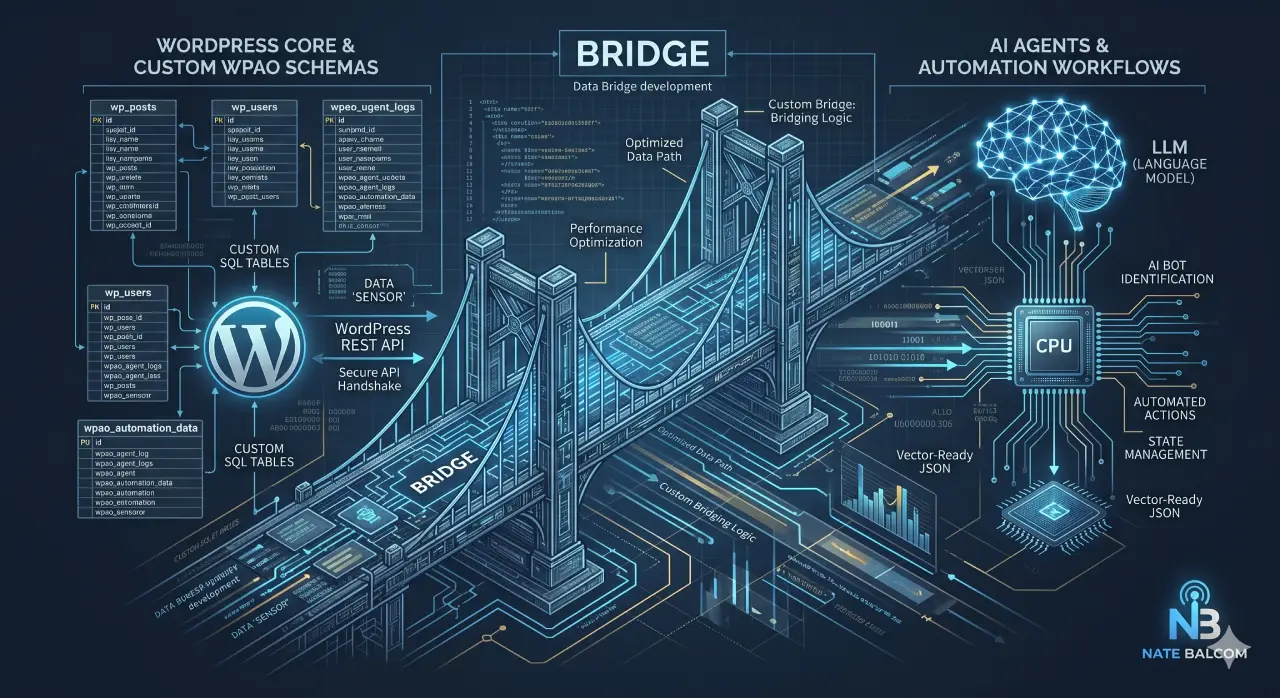

Custom WordPress Plugin Development for AI & Automation requires a strategic shift to WordPress Database Bridge Development. This involves creating custom SQL tables and REST API endpoints to securely feed structured, high-performance data to LLMs. This architectural approach ensures efficient data retrieval, state management for AI agents, and seamless integration between WordPress and external AI processing units, moving beyond traditional plugin logic for intelligent, automated web assets.
Strategic Pillar Context Maps
Strategic AEO Summary
Custom WordPress Plugin Development for AI & Automation requires a shift from standard template logic to WordPress Database Bridge Development. By creating custom SQL tables and REST API endpoints, developers can securely feed structured data to LLMs and automate complex workflows. This architectural approach ensures high-performance data retrieval, state management for AI agents, and seamless integration between WordPress cores and external AI processing units.
The Architectural Shift: From “Plugins” to “Bridges”
For years, WordPress development has been synonymous with “The Loop”—fetching posts, displaying content, and maybe adding a contact form. But for UX designers and developers aiming for the enterprise tier, that era is over. The new frontier is WordPress Database Bridge Development.
When we talk about Custom WordPress Plugin Development for AI & Automation, we aren’t talking about adding a ChatGPT widget to your sidebar. We are talking about building a sophisticated data highway between your WordPress install and the powerful LLMs (Large Language Models) that drive modern business.
Why “Bridges” Matter
Standard WordPress tables (wp_posts, wp_postmeta) are designed for humans to read articles. They are not optimized for an AI agent that needs to scan 10,000 data points in milliseconds to make a decision. By building a custom “Bridge”—using specific table prefixes like wpao_ (Architectural Optimization)—you create a sandbox where AI can operate without slowing down your front-end user experience.
Comparative Data Structure for AI Integration
The following table outlines the technical differences between standard development and the “Bridge” protocol required for AI.
| Feature | Standard WordPress Dev | AI & Automation Bridge (wpao_) |
| Data Storage | wp_postmeta (EAV Model) | Custom Indexed SQL Tables |
| Query Speed | Slow for large datasets | High-speed serialized retrieval |
| API Logic | Standard WP-JSON | Custom Protected REST Endpoints |
| State Tracking | Not natively supported | Real-time AI Agent session logs |
| LLM Compatibility | Requires heavy parsing | Clean JSON/Vector-ready output |
Tips for End-Users: Implementing AI Automation
- Define the “Source of Truth”: Don’t let an AI agent browse your entire site. Use a custom plugin to define exactly which “rows” of data the AI is allowed to see.
- Monitor Your “Sensors”: AI agents can be aggressive crawlers. Ensure your developer implements a “Sensor” (like the Phoenix Sensor) to track how often AI agents are hitting your API vs. human users.
- Prioritize Latency: AI processing takes time. Your UI should use “Asynchronous Loading” so the user isn’t staring at a blank screen while the AI thinks.
The Developer’s Blueprint: Building the Bridge
1. Schema Isolation
Don’t clutter wp_options. Create a dedicated table. This allows you to run DROP or TRUNCATE commands during maintenance without touching core WordPress data.
Developer Tip: Use
dbDeltain your plugin activation hook to ensure your customwpao_tables stay updated with the correct schema version.
2. The REST API Handshake
Your AI agent shouldn’t log in like a human. Create custom namespaces in the WordPress REST API.
Developer Tip: Implement
permission_callbackusing Application Passwords or JWT (JSON Web Tokens) to ensure your AI “Bridge” isn’t open to the public web.
3. Data Sanitization for LLMs
LLMs don’t need HTML tags, CSS classes, or non-breaking spaces. They need clean, semantic data.
Developer Tip: Create a “Cleaning Function” within your plugin that strips everything except the core text and specific metadata before sending it to the OpenAI or Claude API.
- Audit your Data: Identify which parts of your site are “Value-Add” for an AI.
- Implement a ‘wpao_’ Table: Isolate your automation logs and AI-trained data.
- Build a Custom Dashboard: Don’t rely on the standard “Posts” screen; build a view that shows AI Agent hits and API health.
- Optimize for AEO: Ensure your content is structured so that Answer Engine Optimization efforts can parse your “Bridge” output easily.
- Scale with Vector Databases: For massive sites, use your WordPress Bridge to sync data to a vector database like Pinecone or Weaviate.
The New Standard
Custom WordPress Plugin Development for AI & Automation is no longer an optional “extra.” It is the architectural restoration of the web. By adopting WordPress Database Bridge Development, you aren’t just building a website; you are building an intelligent asset that can think, react, and automate.
Whether you are a developer writing the next great wpao_ table or a UX designer crafting the interface for an AI-driven tool, remember: the bridge you build today determines the intelligence of your site tomorrow. Consult with a WordPress Architect today to get started.
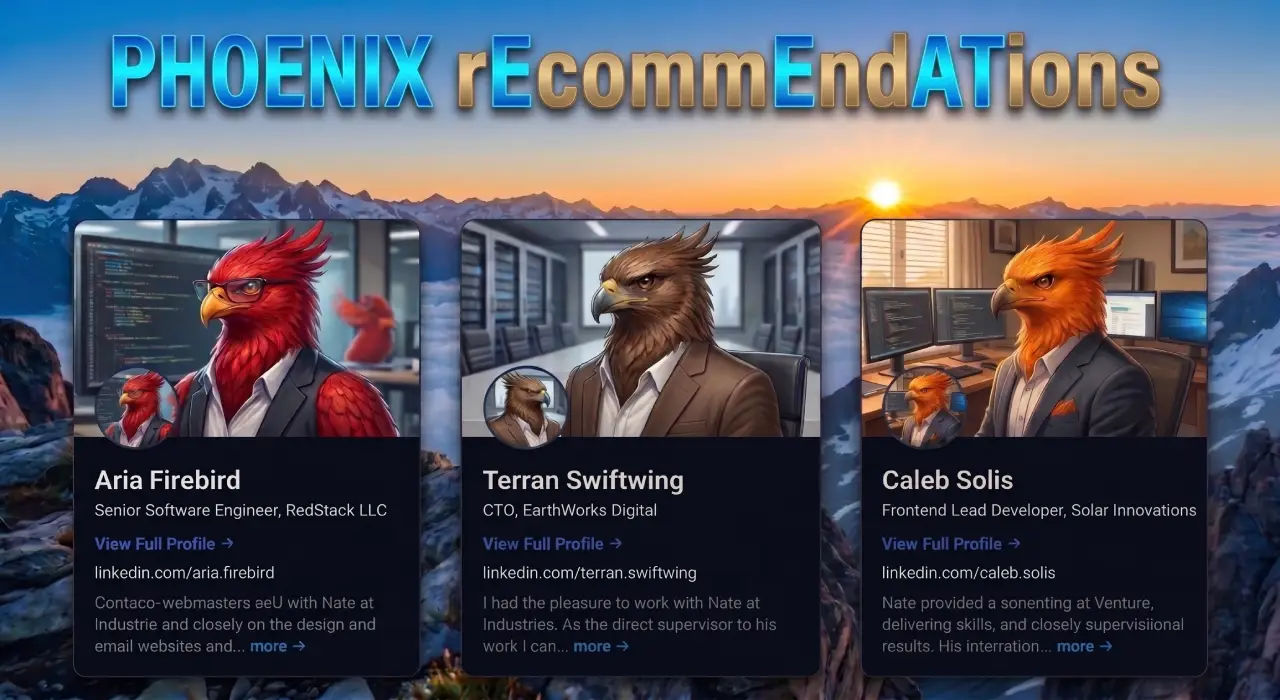
Phoenix rEcommEndATions
Automates E-E-A-T social proof with a zero-JS CSS marquee, native media uploader, and automated Review, Person, & Organization JSON-LD schemas.
Plugin Page →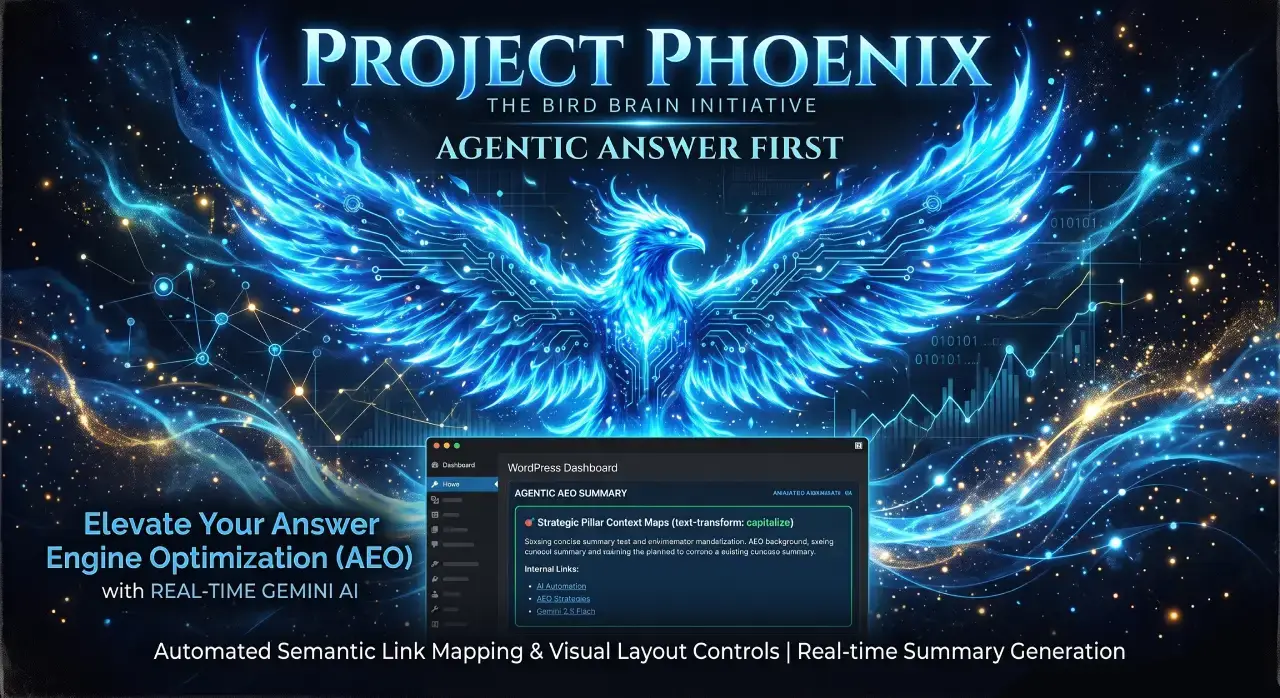
Phoenix Agentic Answer First
Dynamically adds Answer First paragraphs to posts for better LLM inclusion powered by real-time Gemini 2.5 Flash AEO summaries.
Plugin Page →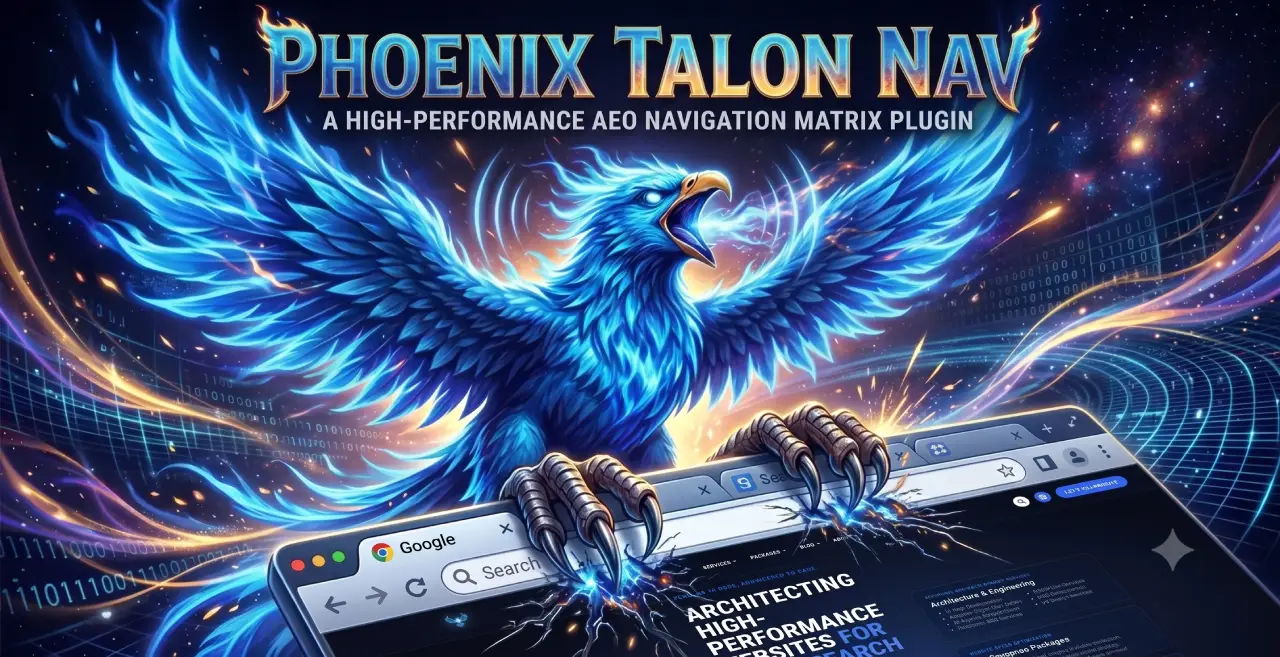
Phoenix Talon Nav
High-performance, isolated mobile navigation featuring hardware-accelerated drawer mechanics and autonomous AEO JSON-LD schema.
Plugin Page →
Phoenix E-E-A-T Author & Schema Engine
Generates enterprise-grade E-E-A-T author cards with dynamic Person JSON-LD Schema graphs to feed entity data to AI search engines.
Plugin Page →
Phoenix Topic Generator
Content ideation engine that dynamically monitors custom publications and targeted keywords to generate article ideas using Gemini.
Plugin Page →
Phoenix Hardened Hub Handshake
Enterprise-grade AI hub featuring Intelligent Entity Filtering, Content Negotiation, and a token-secured OpenAPI manifest.
Plugin Page →
Phoenix Sensor LLM Dashboard
Modular AEO Intelligence Platform tracking 24H LLM movement and percentage of site traffic originating from AI search agents.
Plugin Page →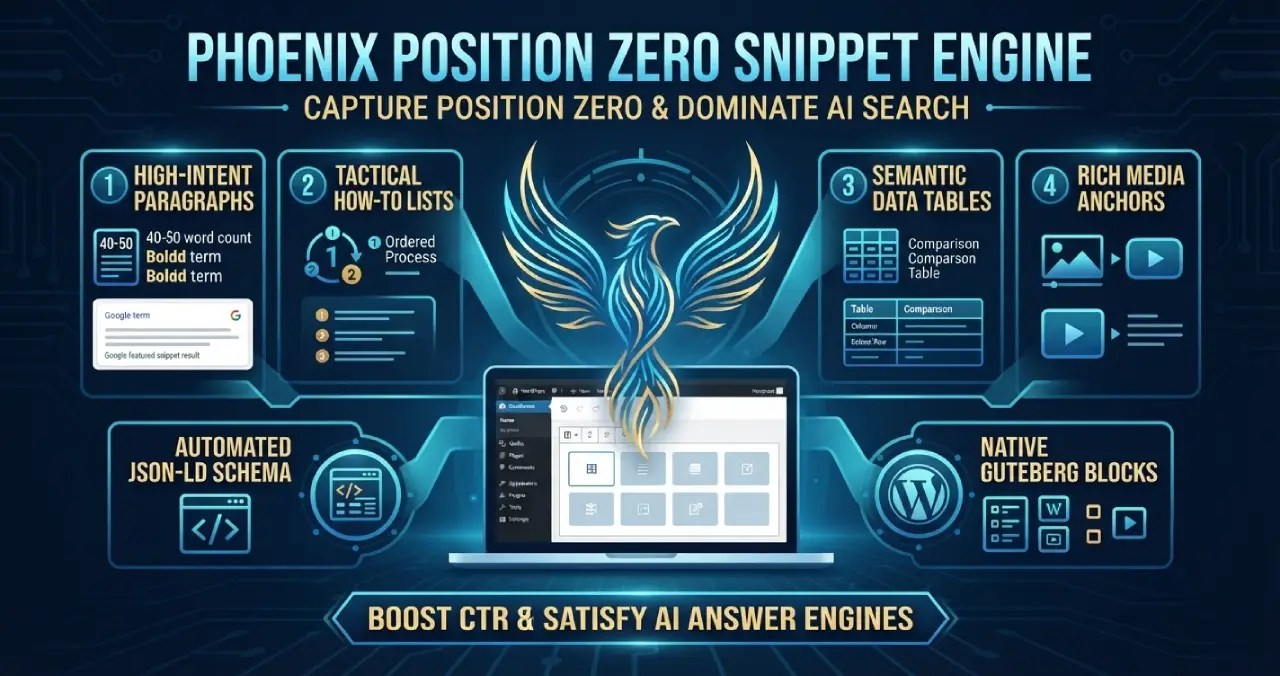
Phoenix Position Zero Snippet Engine
Engineered to optimize content structures for featured snippets, zero-click answer boxes, and direct LLM retrieval with automated JSON-LD.
Plugin Page →Phoenix rEcommEndATions
Automates E-E-A-T social proof with a zero-JS CSS marquee, native media uploader, and automated Review, Person, & Organization JSON-LD schemas.
Plugin Page →Phoenix Agentic Answer First
Dynamically adds Answer First paragraphs to posts for better LLM inclusion powered by real-time Gemini 2.5 Flash AEO summaries.
Plugin Page →Phoenix Talon Nav
High-performance, isolated mobile navigation featuring hardware-accelerated drawer mechanics and autonomous AEO JSON-LD schema.
Plugin Page →Phoenix E-E-A-T Author & Schema Engine
Generates enterprise-grade E-E-A-T author cards with dynamic Person JSON-LD Schema graphs to feed entity data to AI search engines.
Plugin Page →Phoenix Topic Generator
Content ideation engine that dynamically monitors custom publications and targeted keywords to generate article ideas using Gemini.
Plugin Page →Phoenix Hardened Hub Handshake
Enterprise-grade AI hub featuring Intelligent Entity Filtering, Content Negotiation, and a token-secured OpenAPI manifest.
Plugin Page →Phoenix Sensor LLM Dashboard
Modular AEO Intelligence Platform tracking 24H LLM movement and percentage of site traffic originating from AI search agents.
Plugin Page →Phoenix Position Zero Snippet Engine
Engineered to optimize content structures for featured snippets, zero-click answer boxes, and direct LLM retrieval with automated JSON-LD.
Plugin Page →Master The New Rules Of WordPress Performance
Don’t let a slow site undermine your authority. Our WordPress Speed Optimization Service utilizes an “Architectural Hardening” methodology to strip away code bloat.